
In this guide 19 sections
To write a service page that generates qualified enquiries, explain who the service helps, what is included, why buyers can trust you, and exactly what happens when they contact you. Match the page to a specific customer need, show genuine proof, make the next action clear, and track whether enquiries reach your sales team.
A service page should not simply attract clicks. It should help suitable buyers decide whether to enquire and help unsuitable visitors recognize a mismatch before either side wastes time. This guide gives service businesses a practical writing framework, examples, and a launch checklist.
1. Start with the buyer’s problem, not your company history
A service page is not a company biography. Visitors want to know whether you can help with the problem that brought them to the page. Write down three questions: who is this for, what will change after the work, and what should a visitor do next? A useful opening answers those questions before discussing awards, history, or technology. For example, a website redesign page might explain that it serves established service businesses whose current websites are difficult to update or generate irrelevant enquiries. This is more specific than saying the agency provides “innovative digital solutions.” Avoid assuming every visitor is ready to buy. Some are comparing options, some are validating a referral, and some need information to brief colleagues. The page should help each person understand the offer without forcing an immediate call. A short introductory paragraph can identify the problem and a clear primary action; the rest of the page should earn the visitor’s trust through useful details. Test the opening with someone unfamiliar with the business: can they explain the service back to you without prompting?
2. Define one primary search intent and audience
A service page should match a distinct service and buyer need rather than trying to rank for every related term. “Website design for service businesses” and “emergency WordPress malware removal” imply very different expectations, even if the same agency can provide both. Review actual customer questions, sales notes, search queries, and the phrases used in qualified enquiries. Choose one main topic and several closely related questions. Do not insert the target keyword into every heading. Write a descriptive page title, a clear H1, and useful subheadings. If a page is intended for local customers, describe genuine service coverage and any location-specific requirements. Do not produce thin copies for cities where nothing about the service differs. Google’s SEO Starter Guide emphasizes useful, well-organized content and clear site structure. Search intent is a planning tool, not an excuse to replace helpful writing with repetitive phrases.
3. Explain exactly what the service includes
“Full-service website development” can mean many things. Does it include copywriting, image sourcing, domain setup, analytics, CRM integration, hosting, accessibility testing, migration, or post-launch support? Give visitors a practical scope description. Divide deliverables into included work, optional enhancements, and items requiring separate agreement. Explain how many unique page types or revisions are involved if that is part of a standardized package. For custom services, explain how scope is confirmed during discovery. This protects both sides: a buyer can compare providers on comparable terms, and the business avoids attracting prospects with unrealistic assumptions. A service description should also identify what the customer supplies, such as access to existing systems, approved branding, project content, or a designated decision-maker. Being precise about boundaries is not negative; it demonstrates operational maturity and makes a qualified conversation easier.

4. Make the headline and supporting copy specific
A strong service-page headline describes the actual work. “Website Redesign for Growing Service Businesses” is clearer than “Reimagine Your Digital Future.” Supporting copy can name the situation, explain the type of project, and offer the next step. Use familiar customer language rather than internal jargon. Avoid promising that a redesign will automatically double sales or rank first on Google. If you have verified results from relevant projects, explain the circumstances and attribution limitations. If you do not, discuss the intended outcomes as goals rather than guarantees. A useful subheading might say that the team improves page structure, responsive design, and enquiry pathways while protecting existing content and search visibility where possible. The copy should be understandable without scrolling through a long list of features.
5. Use a clear service-page structure
A practical order is: headline and introduction, common customer situations, scope and deliverables, working process, relevant project evidence, important pricing factors, FAQs, and contact route. This order is flexible. If buyers need to verify licensing before anything else, show credentials earlier. If an urgent service requires a phone number, prioritize immediate contact. Keep sections distinct and avoid repeating the same generic promise throughout the page. Use descriptive H2 headings so readers can scan. Tables can help when comparing service tiers or included features, but only if the information is accurate and mobile-friendly. Use lists for steps and deliverables, not for every sentence. Place an appropriate CTA after the visitor has enough information to make the next decision.
6. Show who the service is and is not for
Qualification begins with clear expectations, not aggressive form fields. Describe common customer profiles and situations. For example, a custom website project may be appropriate for a business that needs multiple service pages, a CRM connection, and a maintainable content system. It may not be the right option for someone seeking a free hosted template or a one-hour graphic edit. State this respectfully, without making prospects feel unwelcome. When you cannot serve a category of customer, offer an alternative path or explain the scope. This saves time for buyers and sales staff. Qualification criteria should be related to the service: business need, project fit, practical timeline, and any required access or decision process. Avoid collecting sensitive personal information that is not necessary to respond to an enquiry.

7. Explain the process from first contact to delivery
Many service buyers hesitate because they cannot picture what happens after they submit a form. A concise process reduces uncertainty: initial enquiry, discovery, scoped proposal, design or planning, implementation, review, launch, and support. Explain which stages require customer feedback and how changes are approved. If the business uses a different process, document the real one rather than copying a competitor. Do not imply a fixed timeline when the work depends on complexity, approvals, or third-party integrations. A clear process section helps buyers judge whether the engagement fits their expectations. It can also reduce repetitive pre-sales questions. Use a simple diagram only if it improves comprehension; plain numbered steps are often sufficient.
8. Build trust with authentic evidence
Visitors may compare several providers after reading the service description. Give them genuine reasons to believe your team can perform the work. Relevant portfolio examples should describe what was delivered, which problems were addressed, and what can be verified. If the work was development rather than a redesign, say so. If metrics are unavailable, do not invent conversion lifts, traffic growth, or client testimonials. Include authentic reviews only when they reflect actual customer feedback and you have permission to publish them. Credentials, relevant expertise, clear company contact details, and transparent delivery responsibilities can all help. Stock photographs may illustrate an article but should never be represented as actual client projects or employees. A modest, accurate case study is more persuasive than an impressive but unsupported claim.
9. Explain pricing factors without creating false certainty
A custom service may not have a single fixed price, but the page can still help visitors understand what affects the quote. For website development, common factors include number of unique templates, content creation, custom integrations, migration requirements, accessibility needs, and ongoing maintenance. Describe what is included in an estimate and which services may be billed separately. If you publish starting prices or ranges, keep them current and identify their scope. Avoid implying that an illustrative market range is your guaranteed price. If buyers must request a consultation to get an accurate quote, explain why and what information will be needed. A transparent process helps avoid enquiries that fail later because of unexpected assumptions.
10. Design the CTA around the next useful action
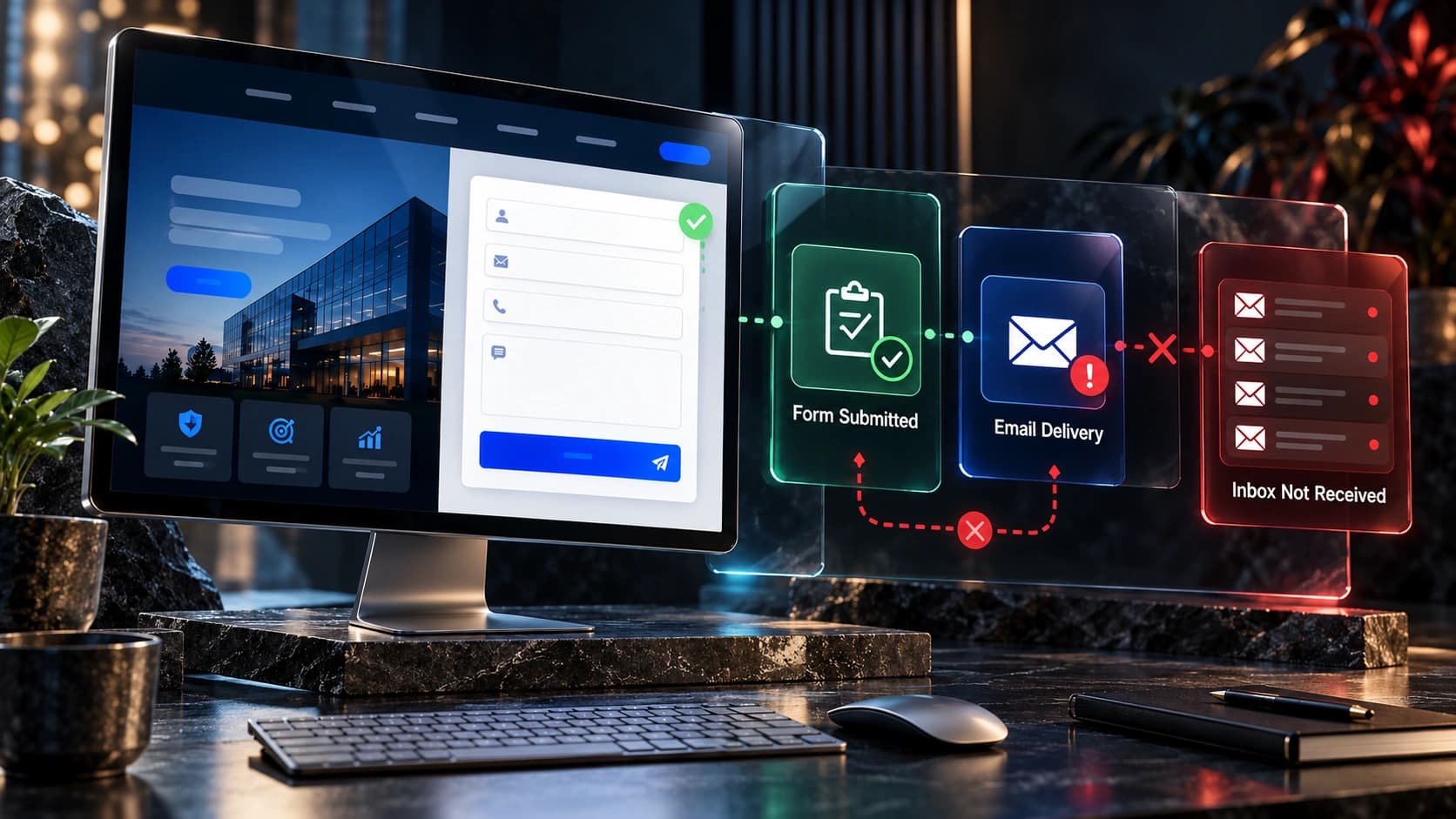
A call to action should describe what the visitor receives. “Request a Website Quote” or “Book a Project Consultation” is more informative than “Submit.” If the page offers a free homepage mockup, explain eligibility, what the mockup contains, and whether the next step includes a conversation. Keep the primary action consistent across the page, with a secondary path to portfolio examples or detailed service information where appropriate. Do not place five competing CTAs in a single screen. On mobile, ensure sticky buttons do not cover form controls or obscure content. Test the entire action: button, destination, form validation, confirmation, notification, and CRM assignment. A visible CTA cannot generate a useful enquiry if the submission disappears into an unmonitored inbox.

11. Write forms for both usability and qualification
Ask for the minimum information necessary to provide a useful response. A website project form might ask for name, contact method, existing URL if applicable, and a short description of the request. More detailed questions can follow during discovery. If project type or approximate timeline is essential to route enquiries, add a concise field with clear choices. Evaluate whether the field improves qualified conversations rather than assuming that longer forms are better. Use persistent labels, understandable error messages, and appropriate input types. Test keyboard access and mobile keyboards. Provide a clear confirmation of successful submission and explain what happens next. Do not collect unnecessary personal data or precheck consent boxes where affirmative consent is required. Respect opt-out requests and relevant privacy obligations.
12. Make the page accessible and easy to use on mobile
Responsive design involves more than shrinking desktop layouts. Read the page on a narrow screen and check whether headings wrap naturally, images retain useful subjects, buttons are easy to tap, and forms are not obstructed. Use adequate contrast, readable body text, descriptive link labels, meaningful alt text, and semantic headings. Keyboard navigation and visible focus states matter for visitors who do not use a mouse. The W3C Web Content Accessibility Guidelines provide an established framework for evaluating these experiences. Avoid animations that delay important information or ignore reduced-motion preferences. A page can look sophisticated and still be frustrating to use. Test the actual customer journey on several device sizes and with realistic content lengths.
13. Connect SEO to the service, not to filler
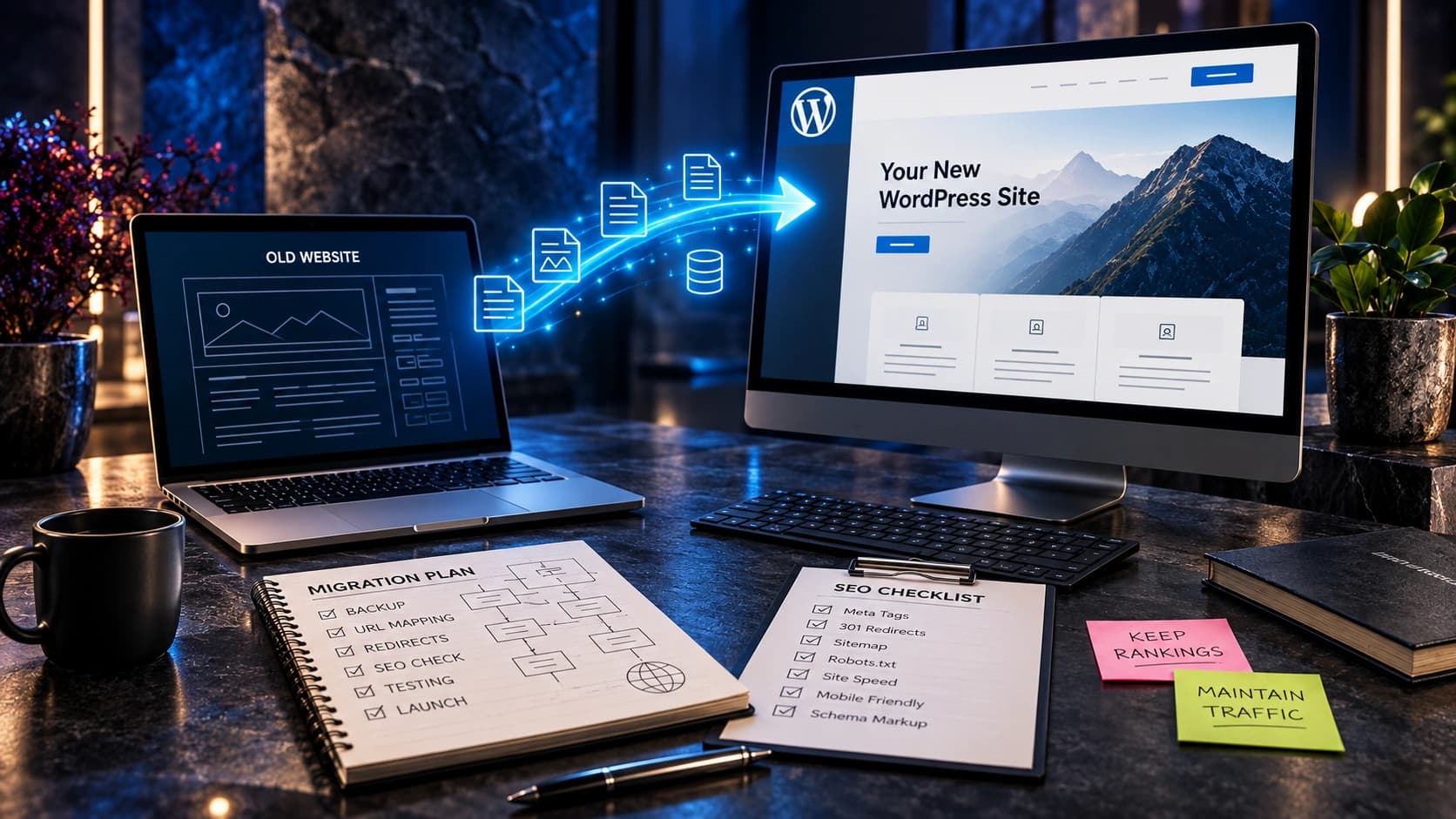
Use a descriptive title tag, one meaningful primary heading, logical supporting headings, and internal links to relevant services, case studies, and guides. Make the URL short and stable. A meta description should accurately summarize the service and provide a useful reason to visit; it is not a guaranteed search snippet. Add structured data only when it correctly represents the page and complies with search-engine guidelines. Do not add FAQ markup simply because you hope to gain a rich result. Ensure the page is indexable, returns the intended status code, and has a correct canonical URL. If replacing an existing service page, preserve useful links and plan redirects for changed URLs. Google’s documentation on SEO and site moves provides the technical baseline.
14. Measure qualified enquiries instead of button clicks
Define what counts as a completed lead before launching the page. A click on the submit button is not necessarily a successful form submission; validation or integration errors can interrupt it. Use analytics events that reflect actual success and verify that a corresponding enquiry reaches the business. Google Analytics 4 supports the recommended generate_lead event for lead generation actions. Your CRM should separately record contact attempts, qualification, consultations, proposals, and outcomes. Review results by source and landing page, but avoid drawing sweeping conclusions from tiny samples. A service page that generates fewer but better-fit enquiries may be more useful than one that attracts many irrelevant requests. Use the results to improve specific problems, not to claim a single conversion rate proves success.

15. Review the page with a real pre-launch checklist
Before publishing, ask someone unfamiliar with the project to find the main service, describe the deliverables, locate evidence, and request a quote. Then test links, headings, image loading, forms, notifications, mobile layout, accessibility, analytics, canonical tags, and indexability. Confirm the service description matches what the sales team actually offers. Review pricing and legal claims with the relevant owners. Check whether the page works on a slow mobile connection and whether essential information is available without waiting for animation. Record issues by severity: broken forms and misleading claims should be fixed before minor spacing refinements. After launch, monitor genuine enquiries and collect sales-team feedback. A service page is an operational asset that needs occasional review, not a one-time decorative deliverable.
Example: turn vague service copy into a useful offer
| Element | Vague version | Clearer version |
|---|---|---|
| Headline | Innovative digital solutions | Website redesign for established service businesses |
| Scope | We do everything | Responsive page design, development, forms, and agreed integrations |
| Proof | Best in the industry | View documented completed website projects |
| CTA | Get started | Request a website project consultation |
These examples are illustrative copywriting comparisons, not measured experiment results. The best wording depends on the actual business, offer, and buyer questions.
Frequently asked questions
How long should a service page be?
Long enough to answer the important buying questions without repetition. A complex B2B service may need more detail than a straightforward local service. Prioritize clarity, scannability, and genuine usefulness over a fixed word count.
Should each service have its own page?
Distinct services often benefit from dedicated pages when customer intent, deliverables, and questions differ. Avoid creating separate pages that merely repeat the same content with a keyword changed.
What is the best service-page headline?
A headline that clearly names the service and, when useful, the customer it serves. Avoid clever slogans that obscure the actual offer.
Should a service page include prices?
Publish accurate fixed prices when appropriate or explain the factors that determine a custom quote. Do not make unsupported promises or hide major conditions.
How many CTAs should a service page have?
Use one consistent primary action with sensible placements and a secondary informational path when helpful. Repetition is acceptable when it supports the reading journey, but competing actions create confusion.
How do I know if a service page generates qualified leads?
Track successful enquiries, connect them to CRM records, and review how many become suitable conversations or proposals. A form click alone does not establish lead quality.
Should I include FAQs?
Yes, when they answer genuine questions about scope, process, timing, price factors, preparation, or support. Do not add generic questions merely to increase page length.
Can stock photographs be used?
Relevant licensed editorial photography can support the design, but it should not be portrayed as client work, actual employees, or proof of project outcomes.
Related guides and next steps
Use the service-business homepage checklist to connect your service pages with a clear homepage. Review the complete service website blueprint for site-wide planning, and why website leads fail to become customers for follow-up and qualification problems. If a website already attracts visitors but few enquire, start with our traffic-without-leads diagnostic guide. For a broader project, explore redesign versus CRO.
At Avenzo Digital, we help service businesses with website design, development, and redesign. Request a consultation and ask about a free homepage mockup if you want to discuss a clearer direction for your website. A mockup is a starting point for discussion, not a guarantee of leads or sales.