
In this guide 19 sections
A website template is often the sensible choice when your business needs a straightforward, affordable launch and your content fits a proven layout. Custom website design makes more sense when the customer journey, brand system, integrations, or content requirements genuinely demand a tailored solution. Neither option automatically delivers better SEO or more leads. The right choice depends on the work the website must do, the resources available, and who will maintain it.
This guide is intended to help owners make informed decisions without inflated performance claims or unnecessary technical jargon. Use it as a practical framework and adapt each recommendation to the actual service, budget, and operational responsibilities of your business.
At a glance: the practical checklist
- What is a website template?
- What does custom design actually mean?
- Compare the real project scope
- Upfront cost versus total ownership
- How quickly can each approach launch?
- Brand identity and visual differentiation
- Conversion performance depends on more than layout
- SEO is not guaranteed by either approach
1. What is a website template?
A template is a predesigned structure that you adapt with your brand, content, imagery, and functionality. It may be part of a WordPress theme, a hosted site builder, or a component library. Templates can save design and development time because common page patterns already exist. But a template is not a finished website: the business still needs accurate service copy, genuine proof, working forms, responsive testing, SEO configuration, and ongoing maintenance. A rushed template with placeholder text can perform worse than a simple but thoughtfully implemented site. Evaluate the quality of the actual implementation, not the marketing label.
Before making this decision, write down the relevant business requirement and ask the provider to demonstrate how the proposed solution meets it. A screenshot is not a substitute for an operational test.
2. What does custom design actually mean?
Custom design means the page architecture, visual system, and user experience are developed around defined requirements rather than simply filling predefined sections. It does not necessarily mean writing every line of code from scratch. Good developers often reuse tested components, frameworks, and accessibility patterns. The value lies in choosing and adapting them to the business’s needs. Ask what is custom: the visual design, templates, integrations, content model, animations, or underlying application. This distinction matters because a quote labeled custom may describe little more than a customized theme.
Consider how this choice will affect the person maintaining the website after launch. A design is only sustainable when the business can keep its information and lead paths accurate.
3. Compare the real project scope
Start with a requirements list, not a preference for a particular platform. A five-page local service website with standard enquiry forms may fit a template. A business with complex service selectors, CRM routing, multiple user roles, or an unusual quotation flow may require more tailored work. List must-have functionality separately from nice-to-have visual effects. Confirm whether the provider includes copywriting, mobile testing, accessibility, analytics, SEO migration, and staff training. Two proposals with similar homepage screenshots can cover dramatically different deliverables. Scope is a better comparison tool than the headline price.
Separate confirmed requirements from assumptions. Test important user tasks with realistic examples before investing in additional complexity.

4. Upfront cost versus total ownership
A template can reduce initial design hours, but subscriptions, paid plugins, support, content changes, hosting, and future redesigns can add costs. Custom work often has higher initial discovery and implementation expenses, yet it can be more appropriate when it avoids repeated workarounds. There is no universal price advantage over the full life of a website. Ask for a clear itemization of design, development, licenses, integrations, maintenance, hosting, and support. Confirm what happens when you change providers. A low upfront price is not necessarily low ownership cost.
Before making this decision, write down the relevant business requirement and ask the provider to demonstrate how the proposed solution meets it. A screenshot is not a substitute for an operational test.
5. How quickly can each approach launch?
Templates can shorten the visual design phase when content and features fit the existing patterns. Launch time still depends on approvals, writing, photography, domain access, integrations, and testing. Custom design usually requires more discovery and iteration, especially when stakeholders need to approve layouts and components. Neither approach should skip quality assurance. A fast launch with broken forms or incomplete redirects can create expensive operational problems. Ask your provider for a schedule with client responsibilities, content deadlines, test milestones, and a clear definition of launch readiness.
Consider how this choice will affect the person maintaining the website after launch. A design is only sustainable when the business can keep its information and lead paths accurate.
6. Brand identity and visual differentiation
A template can be made distinctive through thoughtful typography, color, photography, copy, and spacing. However, its underlying layout and interaction patterns may be recognizable, and some designs resist structural changes. Custom design gives more freedom to express a specific brand and guide customers through a particular journey. The business should not pay for originality merely for its own sake. A clear, credible design that helps customers understand the offer is more valuable than unusual animations that distract from the message. Review real mobile and desktop mockups before making a decision.
Separate confirmed requirements from assumptions. Test important user tasks with realistic examples before investing in additional complexity.
7. Conversion performance depends on more than layout
A custom hero section does not guarantee enquiries. Conversion depends on relevant traffic, offer clarity, trust, forms, follow-up, and the customer’s need. Templates can support effective service pages and accessible calls to action when configured carefully. Custom work can improve complex journeys that a template makes awkward. Define meaningful outcomes—successful enquiries, qualified consultations, or completed bookings—and test the full path. Do not judge conversion quality from button colors alone. The business’s sales process must also respond to the enquiries it receives.
Before making this decision, write down the relevant business requirement and ask the provider to demonstrate how the proposed solution meets it. A screenshot is not a substitute for an operational test.

8. SEO is not guaranteed by either approach
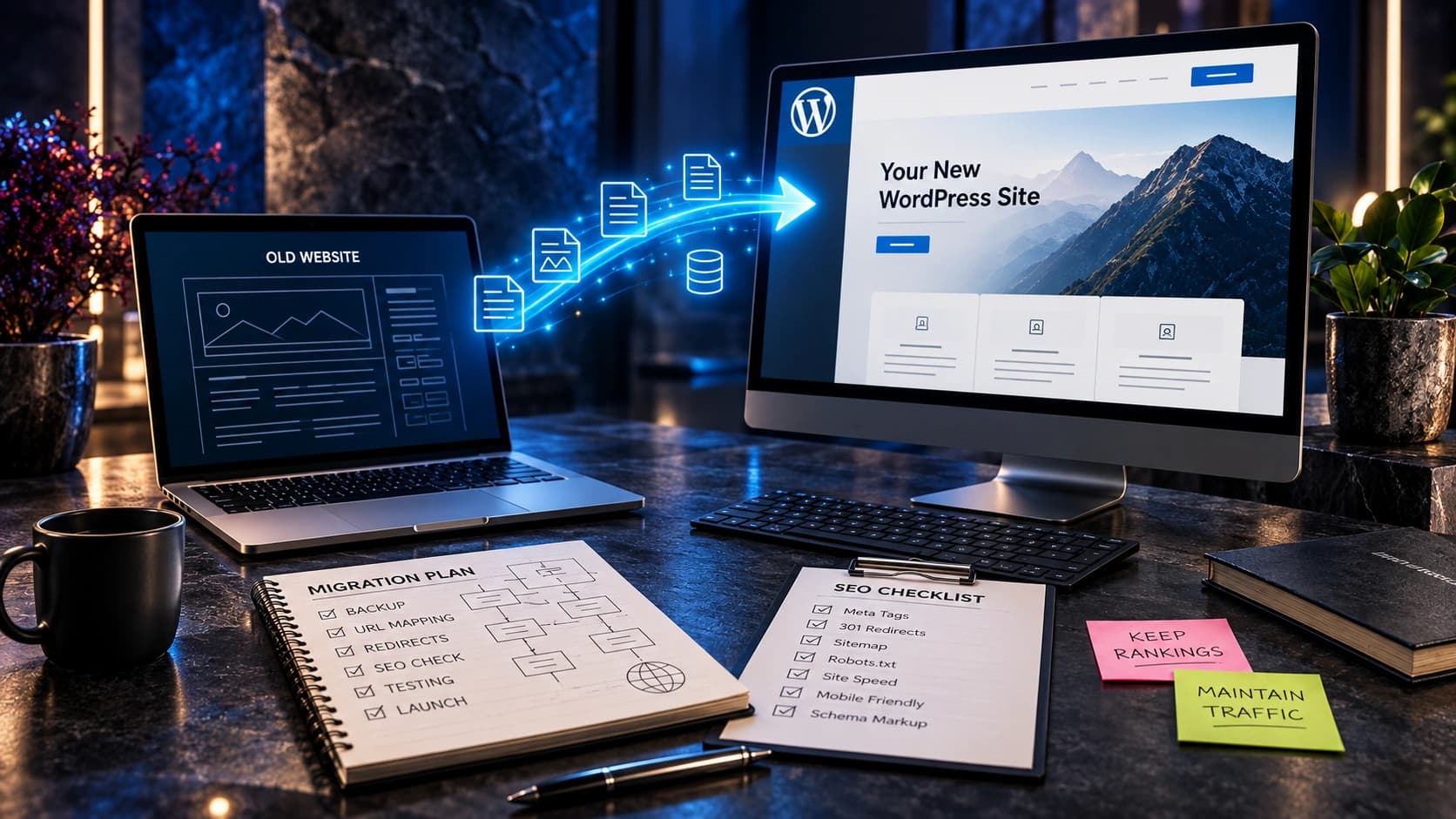
Search engines evaluate accessible content and many technical signals, not whether a page began as a template. Both approaches can support descriptive titles, useful service content, logical internal links, responsive layouts, and indexable pages. Both can also be implemented poorly. During a redesign, preserving important URLs and redirects may matter more than the choice of theme. Ask for a technical SEO checklist that covers canonical tags, XML sitemaps, structured data where appropriate, image handling, and search-console monitoring. Avoid promises of guaranteed rankings from a design platform.
Consider how this choice will affect the person maintaining the website after launch. A design is only sustainable when the business can keep its information and lead paths accurate.
9. Performance and unnecessary features
A lightweight template can be fast, but some themes load scripts, animations, and plugins that are never used. Custom sites can be optimized carefully, but custom code can also introduce slow interactions and maintenance burdens. Test representative pages on real mobile connections and inspect Core Web Vitals, layout stability, and form responsiveness. Remove unnecessary third-party tools before compromising essential content. A good implementation measures actual performance rather than relying on claims that one framework is always faster. Plan ongoing monitoring after launch because new content and integrations can change performance.
Separate confirmed requirements from assumptions. Test important user tasks with realistic examples before investing in additional complexity.
10. Integrations, forms, and automation
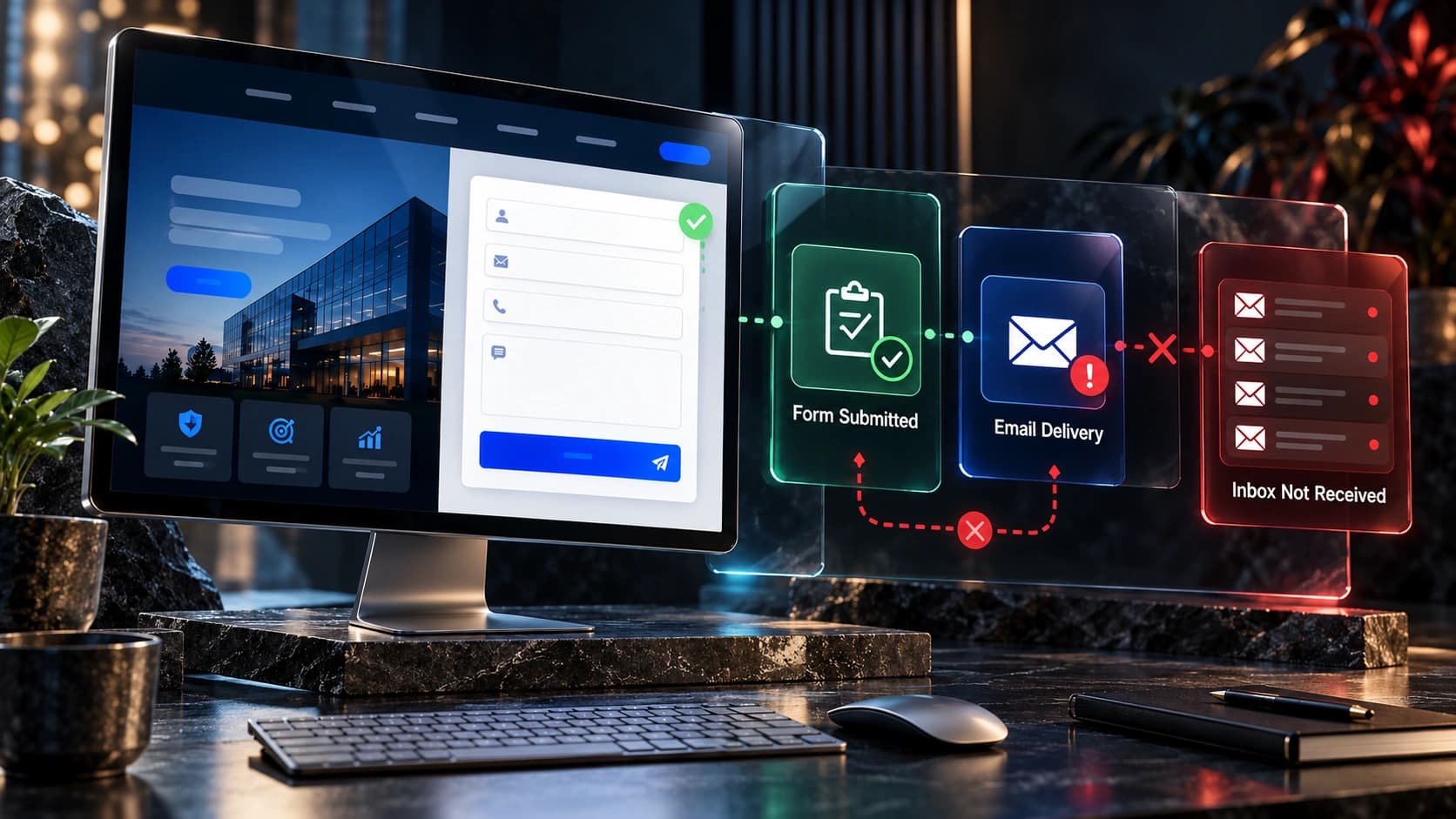
Standard contact forms, calendars, and newsletter integrations often fit existing templates. Complex quote builders, dynamic pricing, authenticated dashboards, or unusual CRM workflows may need custom development. Map the complete flow from submission to confirmation, stored record, notification, assignment, and follow-up. Ask who owns the integration and what happens when an API changes. A visually beautiful site that loses leads is not complete. Consider privacy, access permissions, error handling, and a fallback process when automation fails. These requirements should influence the platform decision early.
Before making this decision, write down the relevant business requirement and ask the provider to demonstrate how the proposed solution meets it. A screenshot is not a substitute for an operational test.
11. Editing and maintaining the website
A business should know which tasks staff can complete without a developer. Templates often offer visual editing, but highly customized layouts can become fragile when nontechnical staff modify them. Custom sites with a well-designed content management system can make recurring updates simple, while poorly documented custom code can create dependence on one provider. Ask for a demonstration of editing a service page, replacing an image, publishing an article, and reviewing form submissions. Document backups, security updates, plugin responsibilities, and who responds to incidents.
Consider how this choice will affect the person maintaining the website after launch. A design is only sustainable when the business can keep its information and lead paths accurate.
12. Ownership, portability, and vendor lock-in
Before signing, clarify who owns the domain, hosting account, source code, design assets, content, and licensed software. Determine whether the website can be moved to another host or maintained by another qualified provider. A hosted builder may have platform-specific limitations; a self-hosted CMS may offer more portability but requires operational care. Custom code can be portable if the contract and documentation allow it. Request handover details, administrator access, and an export or backup procedure. Avoid arrangements where basic access remains exclusively with the agency without a clear business reason.
Separate confirmed requirements from assumptions. Test important user tasks with realistic examples before investing in additional complexity.
13. A practical decision framework
Choose a template when requirements are conventional, launch speed matters, content fits available patterns, and the team can maintain the result. Consider custom design when differentiated workflows, extensive integrations, complex information architecture, or brand-specific experiences create clear business value. A hybrid approach is also possible: start from proven components and build custom templates or features only where needed. Ask each provider to explain which requirements drive cost and complexity. The strongest proposal should describe trade-offs, not insist that every business needs the most expensive solution.
Before making this decision, write down the relevant business requirement and ask the provider to demonstrate how the proposed solution meets it. A screenshot is not a substitute for an operational test.
14. How to compare agency proposals fairly
Give competing providers the same brief, service list, integration requirements, content inventory, and launch goals. Compare included page templates, revisions, accessibility testing, mobile QA, analytics setup, redirects, documentation, and support. Ask to see relevant real work rather than generic demos. Check whether a quoted price includes copywriting, photography, plugin licenses, or ongoing maintenance. Clarify the acceptance criteria and how changes will be priced. A proposal that clearly describes boundaries can be safer than one promising unlimited features without explaining delivery.
Consider how this choice will affect the person maintaining the website after launch. A design is only sustainable when the business can keep its information and lead paths accurate.

15. A phased launch can reduce risk
When budget or requirements are uncertain, begin with the pages and features that are necessary to serve customers reliably. Launch a clear homepage, core service pages, trust evidence, and working contact flow. Track actual enquiries and gather feedback before adding elaborate interactions or niche features. This approach can work with either templates or custom systems. Avoid rebuilding the entire site based on assumptions about visitor behavior. Use real customer questions and operational requirements to guide later investments. Preserve documentation so improvements remain maintainable.
Separate confirmed requirements from assumptions. Test important user tasks with realistic examples before investing in additional complexity.
Template versus custom design: decision table
| Requirement | Template may fit | Custom work may help |
|---|---|---|
| Basic brochure site | Often suitable | Only when special needs justify it |
| Unique quotation workflow | May need workarounds | Tailored integration may help |
| Standard blog and service pages | Often suitable | Custom content model if complex |
| Unusual brand interactions | Limited by existing patterns | Greater design flexibility |
| Small initial budget | Often lower initial scope | Phase custom features later |
Frequently asked questions
Are templates bad for SEO?
No. Useful content, crawlability, technical configuration, and implementation quality matter more than whether a design began as a template.
Is custom design always faster?
No. Custom projects often require more discovery and iteration. Performance depends on implementation, assets, scripts, and hosting.
Can I customize a template later?
Often, but the degree of flexibility depends on the theme, builder, licensing, and underlying architecture. Check before buying.
Does custom design guarantee more leads?
No. Lead outcomes also depend on offer quality, traffic intent, trust, forms, and sales follow-up.
Which is better for a small local business?
A well-implemented template can be suitable for straightforward services. Custom work is more compelling when specific workflows justify it.
Can a template integrate with a CRM?
Yes, many can. Complex routing or specialized workflows may require additional development and testing.
Who owns a custom website?
Ownership depends on the contract, platform, licenses, and access arrangements. Confirm all rights and handover details in writing.
Should I switch platforms during a redesign?
Only if the benefits outweigh migration cost and risk. Review SEO preservation, content, integrations, and staff workflows before deciding.
Further reading and next steps
Explore related Avenzo Digital resources: website redesign cost 2027, wordpress vs nextjs small business website, high converting service business website 2027, website redesign timeline planning to launch, essential website features small business. These guides cover adjacent decisions and help connect website planning with reliable lead generation.
Useful primary references include Google Search Central SEO Starter Guide, Google Core Web Vitals, W3C Web Content Accessibility Guidelines. Check the current documentation when making technical changes, as software and guidance can evolve.
Need help with your website? Request a consultation with Avenzo Digital and ask about a free homepage mockup. Share your website and project goals so the discussion can focus on realistic requirements rather than generic promises.