
In this guide 17 sections
Quick answer: A website redesign progresses from discovery and content planning through design, development, testing, launch and monitoring. The safest timeline is based on approved milestones, dependencies and working lead forms—not a universal promise of completion in a fixed number of weeks.
Website redesign timeline: what to expect
A website redesign normally moves through discovery, content planning, wireframes, visual design, development, testing, launch and post-launch monitoring. A small service website can be relatively straightforward, while a large website with many templates, integrations and existing search traffic can require significantly more coordination. There is no honest universal promise that every redesign takes four, six or eight weeks. The right schedule depends on the agreed scope, who supplies content, how feedback is approved and what must be preserved from the existing site. This guide gives business owners a practical way to plan milestones, responsibilities and launch decisions without pretending that a calendar alone guarantees a good result. Before requesting quotes, identify your existing website, required features, decision makers and immovable business deadlines. Those details make an agency’s proposed schedule more meaningful.
Stage 1: discovery and project requirements
The first stage is not choosing colors. It is identifying why the existing site needs to change. Gather the current website’s pages, analytics, Search Console performance, enquiry sources, technical constraints and customer complaints. Interview the people who handle sales enquiries and customer support: they often know which pages confuse buyers and which promises create unrealistic expectations. Agree on the redesign goals in language that can be evaluated, such as clearer service navigation, more reliable enquiry delivery, or easier mobile content editing. Separate essential deliverables from optional ideas. Record who owns copywriting, photography, integrations, approvals and hosting. A project can stall for weeks if the agency assumes the client will provide copy while the client assumes the agency is writing it. Finish discovery with a signed scope, known exclusions, key stakeholders, and a list of risks that could affect the schedule.
Stage 2: audit the current site and preserve valuable assets
Before removing anything, inventory important URLs, service descriptions, case studies, downloads, contact forms and internal links. Export or otherwise preserve relevant website content and make a recoverable backup according to your platform’s capabilities. Review which pages receive useful organic traffic and qualified enquiries, not just which pages look outdated. Identify existing metadata, structured information, redirects and pages that external websites link to. A redesign that deletes a useful service page without a replacement can damage customer journeys and search visibility. Google recommends mapping old URLs to relevant new destinations when URLs change; see its site-move documentation. Do not redirect every removed URL to the homepage by default. Where a page has no appropriate replacement, decide intentionally how it should be handled. Document this audit before development begins so the team can test the migration later.

Stage 3: information architecture and content mapping
Organize pages around customer needs rather than the internal organization chart. A service business may need a homepage, separate service pages, projects, process, company information and contact pathways. Build a sitemap that shows how users reach those destinations from search results, advertisements, internal navigation and the footer. Identify duplicate pages and opportunities to consolidate weak content without losing useful intent. Then create a page-by-page content map: headline, customer question, proof, service explanation, call to action and links to supporting pages. Draft copy early because the words affect layout. If the design assumes every heading is short but the real service name requires two lines, the finished page may feel broken. Content mapping should also identify legal or regulated statements requiring approval. Treat this stage as a dependency for design rather than something to complete after all visual components are built.
Stage 4: wireframes and conversion paths
Wireframes define the hierarchy of information before visual polish. Review what a first-time visitor sees, which actions are available, and whether the layout answers the most important questions in a sensible order. On the homepage, this may mean a clear service promise followed by service categories, relevant work, process and contact options. On a service page, it may mean eligibility, deliverables, proof, common questions and a quote path. Test the wireframes on mobile widths, not only a large desktop monitor. A long decorative hero can push the useful information too far down a small screen. Ask reviewers to explain what the business does and what they would click next without coaching. Record specific problems and resolve them before expensive development. Avoid approving wireframes simply because the sections resemble a competitor’s site.
Stage 5: visual design and reusable components
Once the structure and copy direction are agreed, design the visual system. Define typography, colors, spacing, button treatments, form fields, cards, image crops and mobile behavior. Reusable components help keep service pages consistent and reduce the cost of future changes. Use genuine project visuals where they establish credibility. Editorial photographs can illustrate a concept, but should never be presented as completed client work. Check color contrast, readable text, focus states and interaction patterns against relevant accessibility guidance from W3C WCAG. Agree on a bounded review process: reviewers should explain whether a change improves clarity or usability, not simply request a new style every time they see a fresh design trend. Approve representative desktop and mobile templates before multiplying the design across dozens of pages.

Stage 6: development and CMS integration
Development turns approved templates into a functioning website. Build navigation, responsive layouts, editable content, reusable sections and required integrations. A WordPress site, a Next.js frontend, or a headless CMS architecture can each work well when the technical choice fits the team’s editing and maintenance needs. Confirm which platform owns page content and which system publishes it. Build in a staging environment so unfinished changes do not disrupt a live site. Keep the production website available while the replacement is tested. Set up forms and CRM routing early enough to test them properly, rather than adding integrations the night before launch. Document custom features and third-party dependencies. If the project includes booking, payments or user accounts, allow additional testing for those flows. Development completion should mean functionality is ready for quality assurance, not that the website is automatically ready to launch.
Stage 7: content population, SEO and internal linking
Populate the real copy, images, metadata and internal links before sign-off. Placeholder text and generic stock pictures can conceal problems with line length, cropping and page density. Each important page should have a useful title, logical heading structure, relevant content and an appropriate call to action. Check that old URLs have corresponding destinations and that the new site does not accidentally block indexing. Google’s SEO Starter Guide emphasizes helpful content and discoverable links. Keep internal links natural: service pages should connect to related work, FAQs and the appropriate contact route. Avoid generating hundreds of near-identical location pages as a substitute for useful information. If you are replacing a mature website, record baseline search performance so you can distinguish migration effects from seasonal demand changes.
Stage 8: quality assurance across devices and browsers
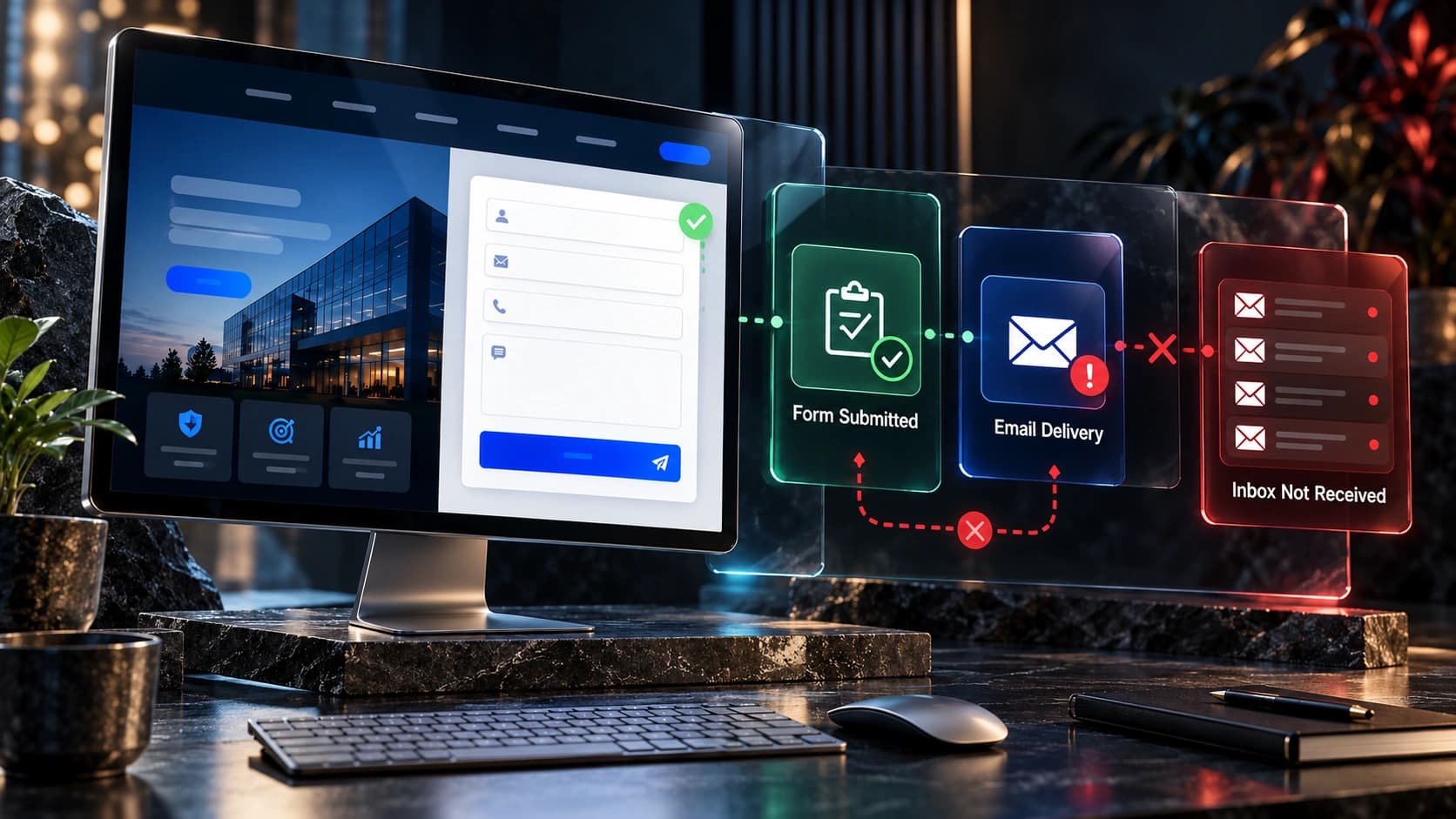
A polished screenshot is not a quality-assurance report. Test key user journeys on real devices and representative browsers: finding a service, navigating from a blog article, requesting a quote, scheduling a meeting and receiving confirmation. Check form validation, required fields, email notifications, CRM assignment and the actual stored enquiry. Review page speed, image behavior, broken links, responsive overflow and accessibility issues. Google’s Core Web Vitals documentation explains loading, responsiveness and layout stability measures. These are diagnostic signals, not a substitute for watching someone complete a task. Create a defect list with severity and an owner. Critical problems such as lost enquiries, inaccessible navigation or broken payment flows should block launch. Minor cosmetic adjustments can be scheduled after launch if everyone agrees.

Stage 9: launch preparation and rollback plan
Choose a launch window when the responsible technical and business teams can monitor the site. Confirm DNS and hosting responsibilities, backups, access credentials, analytics configuration, search console verification, redirects and SSL. Record who can approve a rollback and how to restore the previous version if a critical issue appears. Freeze nonessential changes while final tests are underway. If the new website changes URL structure, verify redirect rules on staging or an appropriate preview environment. Create a launch checklist with named owners rather than an informal group message saying the site looks ready. Communicate expected interruptions and escalation contacts. A launch date is a coordination milestone, not proof that every improvement has been completed. Avoid scheduling a complicated migration immediately before a major advertising campaign unless the business accepts the risk.
Stage 10: the first days after launch
After deployment, verify the public site rather than relying only on a successful build notification. Visit the homepage and representative service, blog, project and contact pages. Submit test enquiries, check CRM routing, inspect analytics events and confirm search engines can access the intended pages. Review redirects, canonical URLs, indexability and sitemap contents. Monitor real user feedback and server errors. If a page disappears from search, investigate the technical and content changes before assuming it will recover automatically. Prioritize problems by business impact: broken contact routes deserve attention before minor decorative details. Keep a written issue log with owners and resolution dates. For more migration-specific steps, see Avenzo’s SEO-safe redesign guide. Early monitoring should continue beyond the first day because not every issue appears immediately.
What delays website redesign projects?
The most common delays are unclear scope, late content, missing credentials, slow stakeholder feedback, new features added mid-project and integrations that behave differently from assumptions. For example, a company may approve the homepage design but then discover that five departments want their own approval process. That is a governance problem, not simply a design problem. Another team may finish development but lack access to the CRM needed to verify contact submissions. Build realistic review windows into the schedule, and specify how changes to scope affect cost and timing. Keep a decision log so the same discussion does not restart every week. When a blocker appears, identify the dependency, responsible person and next decision. A credible agency should explain trade-offs instead of hiding the delay behind vague assurances that everything is nearly finished.

Sample milestone plan and ownership
A practical project plan identifies deliverables rather than guaranteeing arbitrary calendar dates. Discovery ends with an approved scope and requirements. Content planning ends with a sitemap and copy responsibilities. Design ends with approved desktop and mobile templates. Development ends with a testable staging site. Quality assurance ends with critical defects resolved and lead paths verified. Launch ends with public checks completed and monitoring assigned. A small site may combine some milestones; a complex project may split them into several review cycles. Ask your agency to show the dependencies and expected turnaround for your approvals. If your team needs two weeks to review legal content, the schedule should reflect that. Track work as not started, in progress, awaiting client input, ready for review or accepted. This makes progress more transparent than a percentage-complete number without supporting evidence.
How to choose a realistic launch date
Work backward from the business requirement and identify what must be true before launch. If you need the site ready for an event, reserve time for content approval, QA, redirect testing and unexpected corrections. If a redesign includes a large SEO migration, launch readiness may depend on a complete URL map and search baseline. If it includes a new lead pipeline, readiness depends on actual end-to-end submissions. Decide what is essential for the first release and what can be improved afterward without harming users. Do not compress testing merely because the design stage ran late. A phased launch may be appropriate when features are separable and the old and new systems can coexist safely. The best date is one the team can support operationally, not necessarily the earliest date printed in a proposal.
Questions to ask an agency about timing
Ask who prepares copy, which templates are included, how many design reviews are expected, who approves changes, and whether CRM or booking integrations are part of the quote. Request an explanation of staging, migration, redirect testing and post-launch support. Ask what happens when your team misses a feedback deadline and how additional requirements are priced. Clarify whether photography, accessibility testing and mobile QA are included or excluded. Ask what counts as final acceptance and how unresolved defects are handled. A useful proposal should connect timeline estimates to specific assumptions. For guidance on budgeting, read website redesign cost planning. Compare agencies on the clarity of their process and the relevance of their work, not only on who promises the fastest turnaround.
Frequently asked questions
How long does a small business website redesign take?
There is no fixed duration. Page count, content readiness, design complexity, integrations, approval speed and migration risks determine the schedule. Request a milestone-based estimate tied to your actual scope.
Can I keep my old website live during development?
Usually yes. A staging or preview environment allows the replacement to be developed and tested before public launch. Confirm how content changes on the live site will be reconciled.
Should content be written before design?
At least the core page messages and information hierarchy should be defined early. Real copy helps designers plan readable layouts and realistic mobile behavior.
What happens to my existing SEO rankings?
Rankings are not guaranteed to remain unchanged. Preserve useful content, map URL changes, implement relevant redirects and monitor search performance after launch.
Who should test contact forms?
Both the technical team and the business owner or sales team should test them. Verify the visible confirmation, saved enquiry, notification and correct CRM assignment.
Can we launch before every cosmetic issue is fixed?
Sometimes, if remaining issues are minor and documented. Do not launch with critical defects affecting accessibility, navigation, payments, security or lead capture.
What should be included in post-launch support?
Agree on monitoring, bug resolution, access handover, documentation, backups and response expectations before the project starts.
Does a redesign guarantee more leads?
No. Results depend on traffic, offer, user experience and sales follow-up. Establish baseline measurements and evaluate qualified enquiries rather than promising an unsupported increase.
Plan your next redesign with Avenzo Digital
A useful redesign starts with clear requirements and an honest discussion of what the website must accomplish. Explore our website redesign services, the redesign versus CRO comparison, and the service-business website blueprint. If you are preparing a project, request a consultation and ask about a free homepage mockup. We can discuss scope, requirements and the next steps without claiming that a mockup guarantees a business result.