
In this guide 20 sections
You are planning a new website for your small business, or the one you have has become difficult to maintain. A developer recommends Next.js. Another says WordPress is simpler and more affordable. Someone else suggests using both. Which choice will actually serve your business?
WordPress vs Next.js is not simply a contest between an old platform and a new framework. WordPress is a content management system (CMS) that can manage pages, posts, media, and plugins. Next.js is a React framework for building web applications and websites. They solve different parts of the problem, and you can combine them.
Quick answer: For many small businesses that primarily need service pages, a blog, and content that staff can update without developer assistance, a properly maintained WordPress website is a sensible choice. Next.js becomes attractive when the business needs a highly customized experience, application-style functionality, specialized integrations, or a front end managed by a development team. A hybrid approach—WordPress for editing and Next.js for the public website—can be appropriate when you need both an established editing workflow and a custom frontend.
This guide compares editing, SEO, performance, security, costs, maintenance, and real business requirements. Our goal is to help you choose the least complicated architecture that reliably supports your customers—not to claim that one technology automatically wins.
WordPress vs Next.js: the comparison at a glance
| Consideration | Traditional WordPress | Next.js with a CMS | Headless WordPress + Next.js |
|---|---|---|---|
| What it is | CMS and website frontend together | React framework plus chosen content solution | WordPress CMS with separate Next.js frontend |
| Content editing | Built-in dashboard and block editor | Depends on selected CMS and implementation | WordPress dashboard with custom rendering |
| Typical customization | Themes, blocks, plugins, custom development | Custom React components and integrations | Custom React frontend, WordPress-managed content |
| Performance potential | Can be excellent with lean implementation and hosting | Strong options for caching, rendering and media | Strong potential; content fetching adds complexity |
| SEO capability | Good when technically configured and content is useful | Good when metadata, rendering and crawling are configured | Good when both systems are configured consistently |
| Ongoing maintenance | Core, themes, plugins, hosting and backups | Dependencies, hosting, deployments and integrations | Both application and CMS responsibilities |
| Best fit | Content-driven service and local business sites | Custom experiences or application-heavy sites | Content teams that also need a custom frontend |
The best option depends on scope, not on the brand name of the framework. A carefully optimized WordPress site can outperform a poorly built Next.js site, and a strong Next.js implementation can be a better fit than forcing custom business logic into plugins.
What is WordPress, and why do small businesses choose it?
WordPress is open-source website software widely used for publishing articles, managing pages, handling media, and operating websites with themes and plugins. A traditional WordPress site uses the same system for the public site and the content administration area.
A small business can publish a new service page, edit an FAQ, change opening hours, or create a blog post through the content editor without necessarily changing application code. That is especially valuable when owners and marketing staff need to update information frequently.
The WordPress Block Editor documentation describes how blocks are used for creating and editing site content. Themes and plugins can extend that workflow, although not every plugin will be necessary or suitable for your project.
Where WordPress is particularly useful
- Local service-business sites with a homepage, service pages, about page, and contact forms.
- Companies that regularly publish blog posts, location pages, project updates, and FAQs.
- Teams that prefer a familiar visual editing workflow over a code-based release process.
- Projects where a trusted plugin provides a required feature without complicated custom development.
- Organizations that want a large ecosystem of developers and hosting options.
The trade-off is that WordPress must be maintained. Plugins, themes, core updates, server configuration, backups, user permissions, and security deserve ongoing attention. A website with too many extensions or a poorly built theme can become slow and difficult to troubleshoot.
If your existing setup feels fragile, see our WordPress theme vs page builder guide before assuming the platform itself is the problem.

What is Next.js, and what does it offer a business website?
Next.js is a framework built on React. Developers use it to create public-facing websites, custom applications, and experiences that require control over interfaces, server behavior, and content delivery.
Modern Next.js offers multiple rendering and caching approaches, built-in metadata conventions, image optimization, and tools for building interactive routes. The official Next.js production checklist discusses caching, static rendering, server components, image handling, security and operational considerations.
Unlike WordPress, Next.js does not automatically provide a full business-content editing dashboard. A developer must decide how articles, pages, images, and other content are created and updated. That might involve a headless CMS, a database, structured content files, or an external publishing service.
Where Next.js can be a strong fit
- Custom B2B websites with unusual layouts, interactions, or dynamic product experiences.
- Customer portals, dashboards, calculators, and workflow-driven interfaces.
- Websites where internal business tools and APIs need specialized integration.
- Multi-site content systems with defined design systems and technical teams.
- Projects where developers need detailed control over the front-end architecture and releases.
Those benefits come with responsibility. Dependency updates, deployment pipelines, hosting behavior, caching rules, error handling, and monitoring must be designed and maintained. A Next.js website is not maintenance-free simply because it does not use traditional WordPress plugins.
What about using WordPress and Next.js together?
A third option is headless WordPress. In this arrangement, WordPress manages the content while Next.js displays it to website visitors. The public website and the editing dashboard operate as separate systems.
WordPress provides a documented REST API, which allows external applications to retrieve and work with content. That is one of the foundations for connecting a WordPress CMS to a custom frontend.
A simplified publishing flow looks like this:
- A staff member creates a blog post in WordPress.
- WordPress stores the title, content, images, categories and other fields.
- The Next.js application retrieves that information through an approved content interface.
- The public website renders the article using the brand’s own design system.
- Appropriate cache invalidation or revalidation makes the latest content visible.
This approach can give nontechnical editors a familiar dashboard while allowing developers more flexibility over the public experience. It also introduces coordination work: preview behavior, media URLs, content formatting, caching, SEO metadata, authentication, and failure handling must be considered.
It is often a good approach for organizations with an established content team and ongoing custom frontend needs. It is usually unnecessary for a five-page brochure website that could be maintained comfortably in a standard WordPress installation.
1. SEO: does WordPress or Next.js rank better on Google?
Neither platform automatically ranks higher. Google evaluates content relevance, accessibility to crawlers, site quality signals and many other factors, rather than granting a universal SEO advantage based on whether a page runs on WordPress or Next.js.
Traditional WordPress offers straightforward publishing and widely used SEO tools. Next.js provides framework features such as a Metadata API, route-level metadata configuration and server-side rendering options that can support crawlable, shareable pages.
However, the implementation matters. A WordPress page with helpful content and clear internal linking may perform well. A Next.js site with missing metadata, broken canonical URLs, client-only critical content, or accidental noindex directives may perform badly. The reverse is also possible.
SEO features to verify on any platform
- Each important page has a useful title, description, main heading and relevant copy.
- Canonical URLs and indexability directives reflect the intended public pages.
- Sitemaps include appropriate, indexable URLs.
- Internal links help visitors and crawlers discover important pages.
- Redirects preserve navigation when URLs change.
- Mobile users can access the same important information.
- Structured data, where appropriate, accurately describes visible content.
- Images are useful, reasonably optimized and have meaningful alternative text.
Refer to the Google SEO Starter Guide for platform-neutral guidance.
SEO decision: Pick the platform your team can configure, publish on and maintain properly. Content strategy and technical quality matter more than the framework label.
2. Performance: is Next.js always faster than WordPress?
No. Next.js provides useful techniques for rendering, caching and media optimization, but it can also be slow if a project sends excessive JavaScript, depends on costly server requests or loads too many third-party scripts.
WordPress performance can be strong with efficient hosting, a lightweight theme, appropriate caching, optimized images and disciplined plugin choices. It can also degrade when the site accumulates unnecessary builders, poorly configured scripts or expensive database queries.
Compare the finished user experience, not the technology claim. Measure real pages on mobile connections and inspect the Core Web Vitals most relevant to loading, responsiveness and visual stability.
The Google Core Web Vitals documentation and PageSpeed Insights provide useful measurement methods.
When evaluating proposals, ask the developer which performance budgets or testing standards they will use and how they will handle oversized images, fonts, third-party scripts and unstable layouts.

3. Editing and marketing workflows: who updates the website?
This is often the most important small-business question and the one technical comparisons skip.
Suppose your team publishes six blog posts a month, frequently updates services, adjusts staff biographies and creates location pages. A content management system designed for editors can save significant time. Traditional WordPress handles that workflow directly.
With a standalone Next.js website, the editing experience depends on what the development team provides. A good headless CMS can be easy to use; a site that requires Git commits for every simple text change may be inconvenient for nontechnical staff.
Headless WordPress can offer a middle path, but preview, publication and cache-refresh behavior should be tested. It is possible to have an excellent editor experience alongside Next.js, but it does not happen by default.
Ask your provider to demonstrate these five tasks: publish a blog, change a service price, replace a hero image, edit an FAQ, and roll back an accidental edit. The person responsible for everyday updates should perform the demonstration, not only watch a developer do it.
4. Website design and customization
Both platforms can support professional design. WordPress can use a carefully crafted custom theme, blocks and selected plugins. Next.js enables developers to build custom React components and reusable page systems.
The distinction is less about whether an element can be created and more about the effort required to create, maintain and edit it. A WordPress theme may provide most of what a local services company needs. A heavily interactive portal or advanced quotation system may fit more naturally into an application-oriented architecture.
Do not equate more code with more value. A custom animated section is worthwhile if it improves communication or usability—not simply because the technology allows it.
If your priority is more enquiries from existing traffic, also review our 15 website conversion problems checklist. The largest conversion bottleneck may be unclear messaging or broken lead routing rather than the choice of platform.
5. Security and ongoing responsibility
WordPress websites need sensible administrator permissions, plugin and theme updates, secure hosting, backups, and monitoring. The more third-party code a site depends on, the more carefully the team should assess maintenance and compatibility.
Next.js websites have a different risk profile. Their teams must handle framework and package updates, environment variables, API access, deployment credentials, server behavior, and any databases or connected services. Headless WordPress involves responsibility for both sides.
A custom frontend may reduce exposure to certain traditional WordPress theme or plugin interactions on public pages, but it does not remove security work. The WordPress backend must still be protected, and the Next.js application introduces its own dependencies and interfaces.
The right question is not “Which platform is impossible to hack?” Neither has that property. Ask who reviews updates, tests backups, manages permissions, investigates errors and provides security support.
For practical WordPress-specific steps, read the WordPress security checklist for business websites.
6. Costs: compare the three-year total rather than the launch fee
There is no trustworthy universal rule that one platform is always cheaper. The total depends on the website’s requirements, the development team, hosting architecture, content tools, integrations and future change requests.
A straightforward WordPress website may need a smaller custom development budget because the CMS and editing workflow are already established. Yet premium plugins, complex builders, hosting and ongoing support can increase its total cost.
A custom Next.js website may involve more initial planning and development, plus a headless CMS subscription or build, deployment infrastructure and ongoing engineering. For application-like functionality, that investment may be more appropriate than maintaining a collection of unsuitable plugins.
A headless WordPress–Next.js setup can require two environments, two sets of updates and an integration layer, so it should solve a real business requirement rather than be selected only because it sounds modern.
| Cost area | WordPress | Next.js | Headless WordPress + Next.js |
|---|---|---|---|
| Initial development | Often simpler for standard content sites | Varies with custom functions and CMS setup | Includes CMS/front-end integration work |
| Hosting | WordPress-compatible hosting | Application/static hosting plus any backend services | Separate CMS and frontend hosting or infrastructure |
| Content editing | Included CMS workflow | Depends on selected CMS | WordPress dashboard plus integration |
| Maintenance | WordPress core, themes, plugins, backups | Framework, packages, deployments and services | Responsibilities from both systems |
| Feature changes | Plugins or custom WordPress work | Custom React/application development | Changes may involve both layers |
For a broader explanation of budgeting, see our website redesign cost guide for 2027 planning. Focus on a realistic scope and written support responsibilities instead of comparing a basic WordPress quote with a complex Next.js application quote.
7. Integrations and lead generation
A small business may need its website to connect to a CRM, appointment calendar, email platform, payment provider or quote-request workflow. Both WordPress and Next.js can support integrations, but the implementation approach differs.
WordPress may provide a supported plugin that meets the requirement. Next.js can integrate directly with appropriate APIs and services when built and secured correctly. Headless setups require decisions about which system owns form submissions, customer records and authenticated operations.
Make sure the team tests the full process rather than merely confirming that a form displays. If a visitor submits a quote request, the business needs the record, correct notifications, relevant consent handling and a usable follow-up path.
The best platform for lead generation is the one that supports a clear customer journey and dependable operations. Neither automatically creates qualified leads without strong content, relevant traffic and proper follow-up.
8. Local SEO and multiple location pages
Local businesses often want service pages for different areas. WordPress can manage those pages through normal publishing and structured templates. Next.js can generate routes from CMS data. Both approaches can work when the content is useful, accurate and properly organized.
A location-page program should not depend on publishing hundreds of nearly identical pages with only city names changed. Important details, service coverage, local proof, navigation and conversion options must be meaningful to readers.
For businesses expanding into new areas, prioritize a content model and editing workflow that can scale without creating an unmanageable maintenance burden. Check that important pages are discoverable, indexable and supported by relevant internal links.
9. What if you run an online store?
WordPress with WooCommerce can be a practical choice for many merchants because it provides an established store administration experience and a broad ecosystem for products, payments and shipping. It still needs reliable hosting, security and performance work.
Next.js may be used as a custom storefront connected to a commerce backend, or it can support specialized purchasing experiences. However, building a shop involves more than a polished product grid: you need inventory logic, tax and payment handling, checkout behavior, order management, refunds and customer support workflows.
Do not choose a custom storefront unless the business need justifies its development and maintenance responsibilities. If a conventional commerce platform already handles the required process well, using that platform may be the lower-risk option.
Our Shopify vs WooCommerce comparison explores another useful platform decision for growing stores.
Three small-business scenarios: what would we recommend?
Scenario A: A local cleaning, dental or legal services business
The company needs service pages, location information, staff profiles, a blog, a contact form and occasional content updates. There is no unusual application logic, and staff want to edit pages themselves.
Practical direction: A well-built, properly maintained WordPress website is often a strong fit. The team should focus on clear services, genuine proof, mobile usability and lead handling rather than adding architecture it doesn’t need.
Scenario B: A B2B company with a complex customer journey
The company needs a content-rich website, custom interactive components, a detailed lead-generation funnel, CRM integrations and a consistent interface across multiple service areas.
Practical direction: Next.js with a suitable CMS may be appropriate, especially if a development team can own updates and monitoring. A well-designed WordPress solution should still be evaluated if it can meet the requirements without excessive workarounds.
Scenario C: A marketing team publishes frequently, but developers need a custom frontend
Editors want a familiar dashboard to manage content, while the public website uses custom components and integrations. The company accepts the operational complexity of maintaining separate systems.
Practical direction: Headless WordPress with Next.js is worth considering. Confirm the content model, preview workflow, cache invalidation, metadata handling and production support before committing.

Can an existing WordPress website migrate to Next.js without losing SEO?
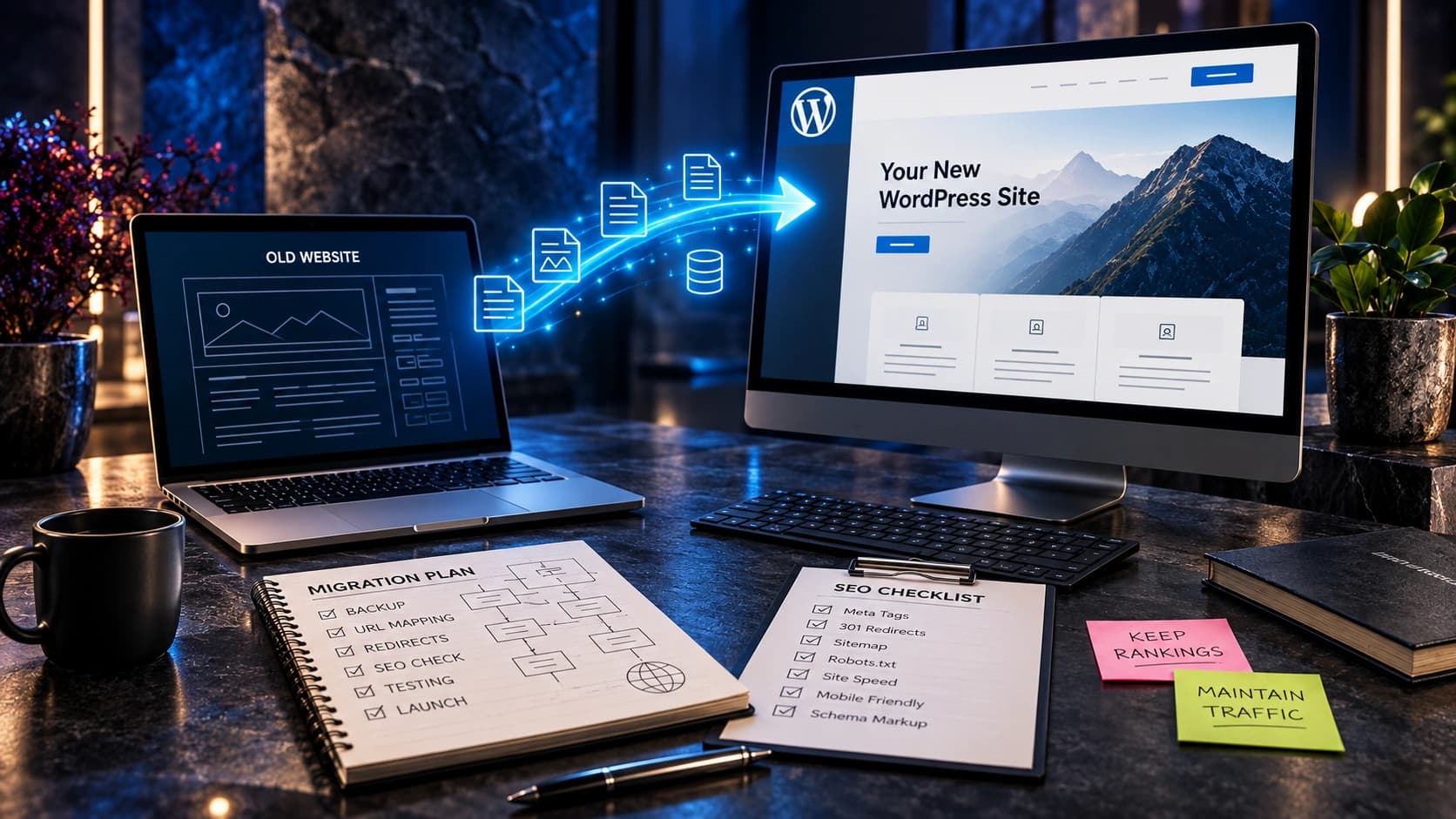
Yes, a carefully planned migration is possible, but it should not be treated as a simple theme swap. The team needs to assess URLs, content rendering, redirects, canonical tags, structured data, forms, image paths and analytics.
The more established the website, the more important the migration plan becomes. Keep URLs where practical, map changed addresses to relevant destinations and verify the new site’s indexability before launch.
Google’s site-move guidance explains why URL mapping and redirects matter. Our guide to redesigning without losing SEO rankings or leads provides a launch and CRM-protection checklist.
Don’t move platforms merely because a competitor is using a newer framework. Evaluate whether the migration creates a meaningful improvement in performance, maintainability, customer experience or functionality.
12 questions to ask before choosing WordPress or Next.js
- What should the website do beyond describing our business?
- Who will publish and edit content every week?
- What content types, service pages and location templates are required?
- Do we need an online store, account portal, calculator or custom workflow?
- What CRM, scheduling, analytics and payment integrations are essential?
- Can those integrations be supported reliably by the chosen platform?
- Who will maintain security, updates, dependencies and backups?
- How quickly must marketing teams publish changes without developers?
- Will we need multilingual content or multiple connected websites?
- What is the realistic three-year cost, including future changes?
- How will we preserve SEO and lead capture if we migrate?
- Can the proposed team show us exactly how the finished system will be managed?
Ask prospective providers for clear answers, a demonstration of the content-editing workflow, and an honest explanation of trade-offs. A good provider should be willing to recommend a simpler solution when it meets the goal.
Common mistakes when comparing WordPress and Next.js
Assuming WordPress is always slow
Performance depends on hosting, theme quality, page design, caching, images and plugins. Some WordPress sites are poorly optimized, but that does not make all WordPress sites slow.
Assuming Next.js automatically delivers better SEO
Metadata and rendering features make good SEO implementation possible. Developers still need to configure content, URL behavior, canonical tags, sitemaps, navigation and crawlability correctly.
Choosing a framework without planning how content will be updated
A technically elegant website can become a business bottleneck when nobody can publish new service information without contacting a developer.
Using too many plugins to avoid necessary development
Plugins are useful when they solve a defined need and are maintained properly. Stacking overlapping extensions to imitate a specialized application can increase compatibility and maintenance costs.
Building a complicated headless setup for a simple brochure site
Separating a CMS from the frontend introduces infrastructure and operational requirements. Choose it when the capabilities justify those additional responsibilities.
Ignoring the handover agreement
Before launch, agree on administrator access, ownership, source code where relevant, hosting accounts, documentation, support and procedures for fixing broken forms or deployments.
Frequently asked questions
Is WordPress or Next.js better for a small business?
WordPress is often a practical fit for small businesses that primarily need a content-driven website and easy editing. Next.js may fit better when a business requires a customized application-like experience or complex integrations. The best decision depends on real requirements, not technology trends.
Is Next.js faster than WordPress?
Next.js provides useful performance tools, but a poorly implemented Next.js website can be slower than a lean, well-hosted WordPress site. Measure the actual pages and user interactions rather than assuming results from the framework alone.
Does Google prefer WordPress or Next.js websites?
Google does not provide a universal ranking bonus for either platform. Technical crawlability, useful content, site experience, internal links and many other signals affect search performance.
Can I use WordPress as a CMS with a Next.js frontend?
Yes. WordPress can supply content through its REST API, while Next.js renders the public website. A team must configure content types, media, previews, caching, metadata and ongoing maintenance.
Is Next.js more secure than WordPress?
Neither technology is automatically secure. WordPress requires updates and safe management of plugins, themes and users. Next.js requires secure handling of application dependencies, authentication, API routes, hosting and connected services.
Is WordPress cheaper than Next.js?
A standard WordPress project can be less expensive to build and update when the requirements are simple. A custom Next.js project may cost more initially but can be justified by specialized functionality. Compare three-year costs with a consistent scope rather than relying on a universal price claim.
Can nontechnical staff edit a Next.js website?
Yes, when a suitable CMS and editing interface are integrated. Next.js by itself does not include the same built-in content dashboard as WordPress, so the editing experience is a project decision.
Should I rebuild a working WordPress website in Next.js?
Only if there is a clear benefit worth the migration cost and risk. A well-maintained WordPress website may simply need targeted design, speed, content or conversion improvements rather than a complete rebuild.
Which platform is better for blogging?
WordPress has a mature publishing interface and is straightforward for frequent editors. Next.js can power an excellent blog when connected to a well-designed CMS, but publishing, previews and content modeling must be implemented or configured.
Can WordPress and Next.js work with CRM tools?
Yes. Both can support CRM and lead-generation integrations. The correct approach depends on available plugins, APIs, data privacy requirements, technical support and reliability needs.
Final recommendation: choose around your business, not the framework
If your website mainly needs to explain services, publish content and collect enquiries, traditional WordPress may give you everything you need with a manageable editing process. If you need unusual functionality, complex integrations and a custom interactive experience, Next.js may be the stronger foundation. If your content team needs WordPress while your developers need the flexibility of Next.js, a headless approach is a valid middle ground.
What matters most is that your website remains easy for customers to use, straightforward for your team to manage, dependable at capturing leads and maintainable long after launch.
At Avenzo Digital, we help businesses decide what to design and develop and what existing systems are worth keeping. We also provide WordPress development and website redesign services. We would rather select a reliable architecture around your requirements than recommend a trendy technology without a reason.
Not sure which platform fits your project? Request a website consultation and ask about a free homepage mockup. Share your existing site or project goals so the conversation starts with what your business needs.