
In this guide 17 sections
Which website features does a small business actually need? Start with clear service information, easy navigation, mobile usability, reliable contact methods, authentic proof, basic search optimization, security, and a way to measure useful enquiries. Extras such as booking, payments, chatbots, or customer portals should be added only when they solve a real customer problem. A smaller dependable website can be more valuable than a feature-heavy site that is difficult to maintain.
This practical guide explains what belongs in the first release, what can wait, and how to prioritize features based on your customers and your business operations.
Start with the business goal, not the feature list
A useful small-business website should help a visitor understand the offer, determine whether the company is suitable, and complete an appropriate action. The action might be a call, a quote request, an appointment, or a purchase. Define that task before choosing a template, adding a chatbot, or installing plugins. Ask employees what customers most frequently ask and what information they need before committing. A feature that answers those questions is more valuable than an attractive component with no practical purpose. Write down the intended visitor, the decision they need to make, and the action the company can reliably support. Different businesses need different paths: a repair contractor may need an urgent call button, while a consulting firm may need a structured discovery form. Avoid assuming that the feature list of a competitor is appropriate for your business. Make the customer task your primary design brief.
A homepage that explains what you do
The homepage needs a clear headline naming the service and, where useful, the audience or geographic area. Supporting copy should describe the practical problem the business addresses without vague superlatives or unsupported guarantees. Give visitors a visible route to the relevant service page and a clearly labelled contact action. A concise overview of services, genuine examples, and an explanation of the working process can help buyers decide what to explore. Do not force every detail onto the first screen. Test the homepage with someone unfamiliar with the company: ask them to describe what the business does after ten seconds, then find how to request a quote. If they cannot, revise the messaging before adding more animation. Keep the primary action consistent with what happens after the click. A button promising a free assessment should lead to a real assessment process, not an unrelated sales form.
Service pages that answer buyer questions
Separate service pages are useful when customers have different needs and questions. A roof repair enquiry is not the same as a complete roof replacement; a website redesign is not identical to a new custom application. Each page should explain who the service suits, what is included, what may be excluded, the normal process, and factors affecting price or timing. Give examples of real work where permission and evidence exist. Avoid creating dozens of near-identical pages by changing only a keyword or city name. Every page should have a distinct purpose and a meaningful next step. Link related services where they help customers compare options. If your company has only one straightforward service, a concise page may be sufficient. More pages are not automatically better. The goal is to help the right visitor understand the scope and contact the correct team without unnecessary confusion.

Navigation that works on desktop and mobile
People should be able to locate services, examples, company information, and contact options without guessing where they are hidden. Keep navigation labels familiar and avoid deeply nested menus for small sites. On mobile, verify that the menu opens, closes, and remains usable with a keyboard or touch. Test long labels, narrow screens, and page scrolling. Important buttons should not be covered by sticky banners. Use meaningful link text rather than generic instructions such as click here. A visitor arriving from search may never see the homepage, so service pages should also link naturally to related information and the main contact route. Keep the header and footer consistent across the site. Review whether the navigation reflects how customers categorize services, not how internal departments are organized. A clear structure is useful for visitors and helps search engines discover important pages.
Reliable contact details and working forms
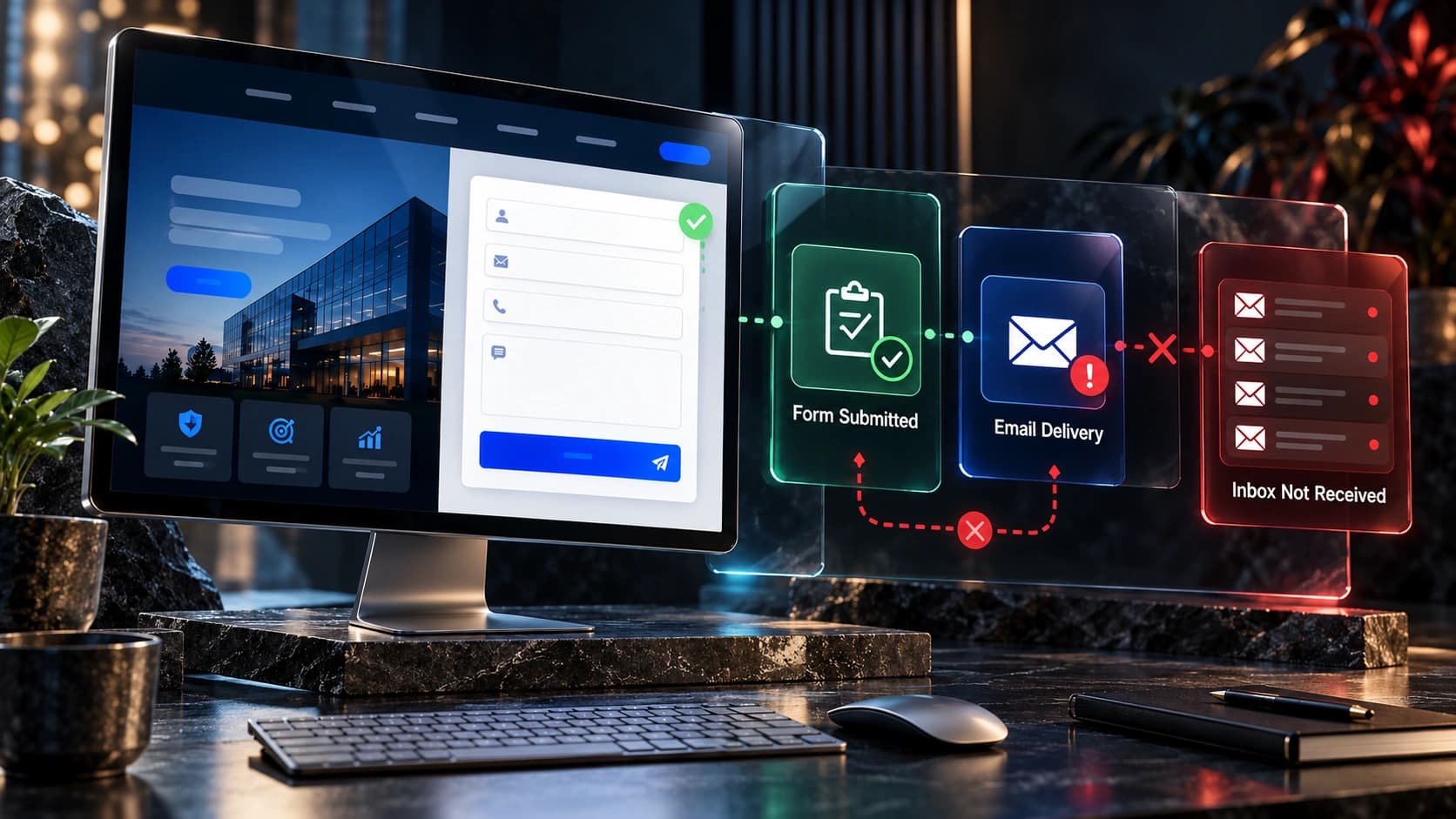
A website that looks excellent but loses enquiries is failing a core business function. Provide a reliable contact method that matches how the business operates. A local service provider may prioritize a phone number; a B2B agency may prefer a short project form and a consultation option. Ask only for information needed to respond usefully. Explain what happens after submission and avoid claiming a person has reviewed the request when only an automated email was sent. Test the complete flow on a phone and desktop: submit, see the confirmation, check storage, verify the email notification, confirm the CRM assignment, and inspect any follow-up task. A success message does not prove the team received the enquiry. Monitor spam filtering and integration errors. Ensure that privacy and marketing preferences are handled appropriately. Assign an owner to each contact channel so messages do not sit unanswered.
Trust signals based on real evidence
Service buyers want confidence that the provider is legitimate and capable. Publish accurate business details, relevant credentials, a clear process, and genuine project examples. Client feedback should be authentic and used with permission. Avoid invented reviews, exaggerated performance claims, or photographs that falsely suggest stock models are employees. If the business is new, explain the team’s relevant experience honestly and show demonstrable work rather than manufacturing a history. Case studies should describe the initial challenge, actual deliverables, and verified outcomes when available. Make it easy to find the company’s contact information and understand who is responsible for delivery. Trust is strengthened by consistency between the website, the proposal, and the sales conversation. Generic badges or decorative numbers cannot substitute for evidence. Choose examples relevant to the service the visitor is considering instead of filling the page with unrelated projects.

Mobile readability and accessibility
Responsive design means more than shrinking desktop elements. Text must remain readable, buttons easy to tap, forms understandable, and images appropriately cropped. Check pages on real devices and test the full journey from landing page to contact confirmation. Avoid horizontal overflow, text hidden behind floating controls, and animations that delay access to important content. Use a logical heading structure, clear labels, visible keyboard focus, and error messages that explain how to fix a problem. Color contrast and readable typography matter for many visitors, including people with low vision or those using a phone in bright conditions. The W3C Web Content Accessibility Guidelines provide a structured basis for testing. Accessibility is not a decorative feature; it affects whether people can actually use the website. Include these checks in design review and ongoing maintenance, rather than waiting until after launch.
Basic SEO foundations
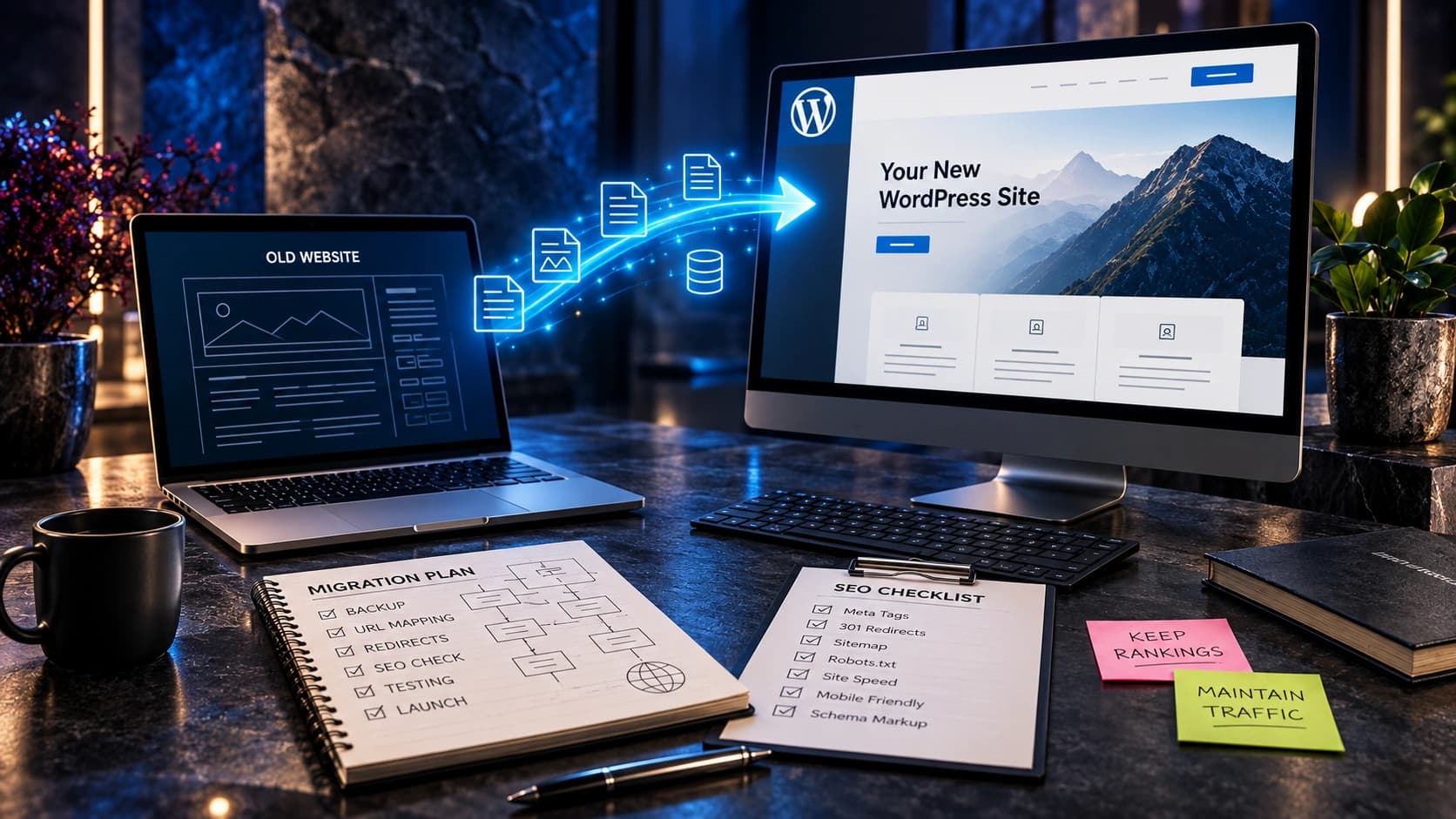
A small-business website should make its services understandable to visitors and discoverable by search engines. Use descriptive titles, meaningful headings, sensible URLs, and internal links that connect related pages. Provide accurate business information and genuinely useful content. Check that important public pages are indexable and not accidentally blocked by staging settings. An XML sitemap can help search engines discover URLs, but it does not guarantee rankings. Optimize images and maintain appropriate canonical URLs. If replacing an older website, map changed addresses to relevant destinations and test redirects. Avoid generating repetitive location pages with no real local information. Google’s SEO Starter Guide emphasizes helpful content and a logical site structure. Keyword research can identify the language customers use, but forcing the same phrase into every heading can make the page less useful. Focus on answering the actual questions behind searches.
Performance and technical reliability
Large images, excessive scripts, unneeded plugins, and heavy visual effects can slow down the experience. Test important pages on mobile connections and pay attention to loading, responsiveness, and layout stability. Core Web Vitals provide useful diagnostics, but a good technical score does not prove that the content is clear or the forms work. Compress images appropriately and serve sensible dimensions. Reserve space for media to prevent page jumps. Review whether each third-party script provides meaningful business value. Keep software maintained, use HTTPS, control administrative permissions, and arrange backups. Security and maintenance responsibilities should be clear in the project handover. A website can appear finished while its integrations or renewal settings remain fragile. Document who can update the site, recover a backup, and investigate a broken form. Reliability is part of the customer experience, not merely an IT concern.

Analytics connected to qualified enquiries
Measure meaningful customer actions rather than only page views and button clicks. In Google Analytics 4, a completed lead request can use the recommended generate_lead event, but the event should fire after successful submission. Connect acquisition information to CRM outcomes when feasible and appropriate for privacy. Review valid enquiries, contacted prospects, qualified conversations, proposals, and customers rather than assuming every form submission has equal value. A page with many irrelevant enquiries may look successful in a superficial dashboard while wasting sales time. Establish consistent definitions and compare similar periods. If your sales cycle is long, evaluate lead cohorts rather than comparing today’s visitors with today’s closed deals. Include regular checks for tracking failures after website changes. The most useful measurement answers whether the website supports real business opportunities, not whether a particular chart looks impressive.
Optional features: booking, chat, payments and portals
Online booking can reduce back-and-forth when customers need to select a real available appointment. It requires an accurate calendar and a reliable confirmation process. Online payments may be useful for defined products, deposits, or standardized services, but add checkout, security, refund, and support responsibilities. Live chat is helpful only when someone or a trustworthy system can respond appropriately. A neglected chat widget can frustrate visitors. Customer portals can support complex engagements but require access control and ongoing maintenance. Calculators may clarify estimates if assumptions are transparent. Multilingual pages can serve additional audiences when translations are accurate and maintained. None of these features is automatically essential for every business. Evaluate the problem, implementation cost, maintenance owner, and measurable benefit before adding them. A simple dependable website may be more effective than a complicated system with broken extras.
How to prioritize your website budget
Divide requested features into essential for launch, useful improvements, and optional experiments. Essential work normally includes accurate service content, mobile usability, reliable contact paths, basic technical SEO, security, and an editing process. Useful improvements might include richer case studies or booking when customers genuinely need them. Optional extras should wait until there is a clear business case. Ask for an itemized proposal showing design, content, development, integrations, testing, hosting, and ongoing support. Confirm ownership of the domain, content, accounts, and source code. A lower initial quote may exclude work that later becomes necessary, so compare scope rather than only headline price. Avoid paying for unnecessary page volume. A focused site with five well-written pages can outperform a larger site filled with generic copy in terms of usefulness, although actual outcomes must be measured rather than assumed.

Launch testing and ongoing maintenance
Before launch, review every important page for accuracy and working links. Test contact forms from different devices and verify that notifications reach the correct people. Check mobile navigation, image crops, accessibility basics, indexing settings, redirects, and analytics. Confirm backups and access credentials are documented. After launch, monitor the first real enquiries and investigate any handoff failure quickly. Assign someone to review business details, service scope, forms, and technical updates regularly. When services or coverage areas change, update the website so it does not make outdated promises. Keep a simple record of changes and problems to make troubleshooting easier. A launch is the beginning of a maintained customer-facing system, not the end of the project. Review feedback from prospects and staff to identify improvements that matter. Avoid redesigning based on a small amount of inconclusive data.
Website feature priorities at a glance
| Feature | Priority | Reason |
|---|---|---|
| Clear services and contact | Essential | Supports the primary customer task |
| Responsive navigation | Essential | Helps visitors use the site on phones |
| SEO, security and maintenance | Essential | Supports discoverability and reliability |
| Online booking | Conditional | Useful when scheduling is a common task |
| Payments or customer portal | Conditional | Depends on the business model |
| Chatbot or animation | Optional | Must provide demonstrable value |
Frequently asked questions
Does every small business need a blog?
No. Publish articles when you can answer genuine customer questions and maintain their accuracy. Thin posts created solely for volume rarely help customers.
Should I add a chatbot?
Only if it provides reliable information, respects privacy, and has an appropriate handoff. It is not a replacement for clear contact details.
Do I need online booking?
Booking is valuable when appointments are central to the service and availability is maintained accurately. Otherwise a simple enquiry process may be better.
How many pages should a business website have?
Enough to explain its distinct services, establish trust, and support contact. Page count is not a useful quality target by itself.
Is WordPress or Next.js better?
Both can support effective websites. Choose based on content editing, technical requirements, maintenance capacity, and integration needs.
What should I measure?
Track completed valid enquiries, qualified opportunities, and customer outcomes where available. Do not confuse button clicks with actual leads.
How often should I update my website?
Review business information and contact systems regularly and maintain software, security, and backups according to the site’s risk and complexity.
Should I show prices?
Show accurate prices for standardized services or explain pricing factors and the quotation process for custom projects.
Build what customers need first
The right website is not the one with the longest feature list. It is the one that clearly explains the business, helps people make informed decisions, and reliably supports the next step. Start with essential information and contact pathways, test them, then invest in optional capabilities when evidence shows they will help.
At Avenzo Digital, we build and improve websites for service businesses. Explore our service-business website guide, navigation planning guide, redesign versus CRO guide, and lead measurement guide. Request a consultation and ask about a free homepage mockup if you want to discuss a practical plan for your site.