
In this guide 19 sections
AI can generate a website in minutes. You can describe your business, choose a style, and receive pages with headings, images, and contact sections before you’ve finished your coffee. If you’re a business owner comparing that experience with hiring a professional web developer, the obvious question is: why pay more for a custom website?
The answer depends on what the website needs to accomplish. A simple informational website and a lead-generating business website with complex systems behind it are not the same project. Some businesses are best served by an AI website builder. Others need professional design and development. Many benefit from a thoughtful combination of both.
Quick answer: Choose an AI website builder when you need a straightforward, easy-to-maintain site and can work within the platform’s features. Consider a professional web developer when your website must support specific customer journeys, advanced integrations, unusual functionality, complex content, or business-critical reliability. The best solution isn’t necessarily the one built fastest or the one with the most code.
What is an AI website builder?
An AI website builder is a tool that takes instructions or answers about your business and helps assemble a website. It may propose a layout, create sample copy, choose imagery, generate pages, suggest a visual theme, or assist with ongoing edits. Most modern builders also include human-controlled editing tools so you can refine the result.
Several established platforms now offer these capabilities:
- Wix: its current AI builder uses conversation-style prompts alongside visual editing and built-in business features. Wix explains that its former ADI product has been retired in favor of newer tools. See Wix AI Website Builder.
- Squarespace: Blueprint AI can help create an initial design direction, content, and template based on a business description. The owner remains responsible for reviewing generated material. See Squarespace AI documentation.
- Webflow: its AI site builder can generate a multi-page starting structure, content, and editable theme. Some features and limits depend on the type of site and subscription. See Webflow’s current instructions.
These are not identical products. A hosted drag-and-drop service is different from an AI coding assistant that generates React or Next.js code. Both can be described as “AI website building,” but they differ in hosting, editability, ownership, maintenance, and technical responsibility.
That distinction matters. A site that looks finished inside a preview may still need accurate business copy, accessibility checks, functional forms, analytics, domain setup, and proper launch testing.
AI website builder vs professional developer: at-a-glance comparison
| Decision factor | AI website builder | Professional web developer |
|---|---|---|
| Getting a first design online | Often fast for standard pages | Usually includes discovery, planning, and review |
| Upfront cost | Generally lower for straightforward projects | Higher when significant professional work is involved |
| Custom features | Depends on the platform and available integrations | Can be designed to the project requirements |
| Search optimization | Many platforms provide useful SEO controls | Can address more specialized technical and content needs |
| Conversion strategy | Requires deliberate work by the site owner or advisor | Can be built into research, copy, layout and testing |
| Ongoing maintenance | Hosting and platform updates may be managed for you | Responsibility depends on the chosen stack and contract |
| Portability | Varies by builder; migration can be limited | Varies by architecture, hosting and ownership agreement |
| Best fit | Simple, budget-conscious websites | Distinctive or operationally complex websites |
These are tendencies, not guarantees. A poorly planned custom site can be worse than a well-configured hosted builder. Likewise, an AI-generated starting point can become a highly effective site when an experienced person refines it.
1. Speed: a first draft is not the same as a completed website
One of the strongest arguments for AI builders is speed. You can generate a design direction before commissioning photography, developing a custom layout, or writing every page. That can be valuable for a new business validating an offer.
However, a preview is only part of the finished product. Before launch, you’ll still want to verify company information, service descriptions, contact details, consent requirements, page hierarchy, mobile layout, links, payment flows if relevant, analytics, and actual form delivery.
A professional developer may take longer to deliver the first version because the process includes clarifying what should happen after a visitor arrives. On the other hand, a small developer-led project using a reliable framework can be delivered efficiently when the scope is clear.
Decision question: Do you need a credible website online quickly, or do you need a particular experience and technical behavior to work reliably from day one?
2. Design: attractive templates are not a business strategy
AI builders can produce clean layouts, modern typography, and visually coherent color systems. That’s genuinely useful. But a visually attractive website does not automatically communicate why a customer should choose your business.
Consider two service businesses using similar AI-generated templates. Both may have hero headlines, service cards, a testimonial section, and a contact button. One may still perform better because it explains the buyer’s problem clearly, shows real work, and matches the questions visitors bring from search or advertising.
A professional design process should examine audience needs, information hierarchy, branding, proof, and the steps between landing on a page and contacting the company. Those decisions create the value; the software is only the tool used to express them.
Before approving any design, ask whether a first-time visitor can identify the service, the audience, the relevant experience, and the next step without hunting through menus.
3. SEO: AI-generated pages are not automatically optimized
Many hosted AI website builders include editable page titles, meta descriptions, URL settings, mobile layouts, and other useful search features. It would be inaccurate to claim that an AI-built website cannot rank in Google or that custom code automatically outranks it.
Search success depends on the usefulness of the content, whether the pages satisfy search intent, how easily search engines can access them, internal linking, technical health, and many other factors. Google’s SEO Starter Guide emphasizes content that is helpful and discoverable rather than a particular website-building method.
For a small local business with five well-written service pages, the SEO features included in a hosted builder might be sufficient. A company with hundreds of city pages, a large technical library, complex product filters, or a legacy website migration may need more specialized architecture and testing.
What to check: Can you control page titles, canonical URLs, redirects, internal links, structured data when appropriate, indexing, and sitemap behavior? Can you preserve important URLs if you later move to another platform?
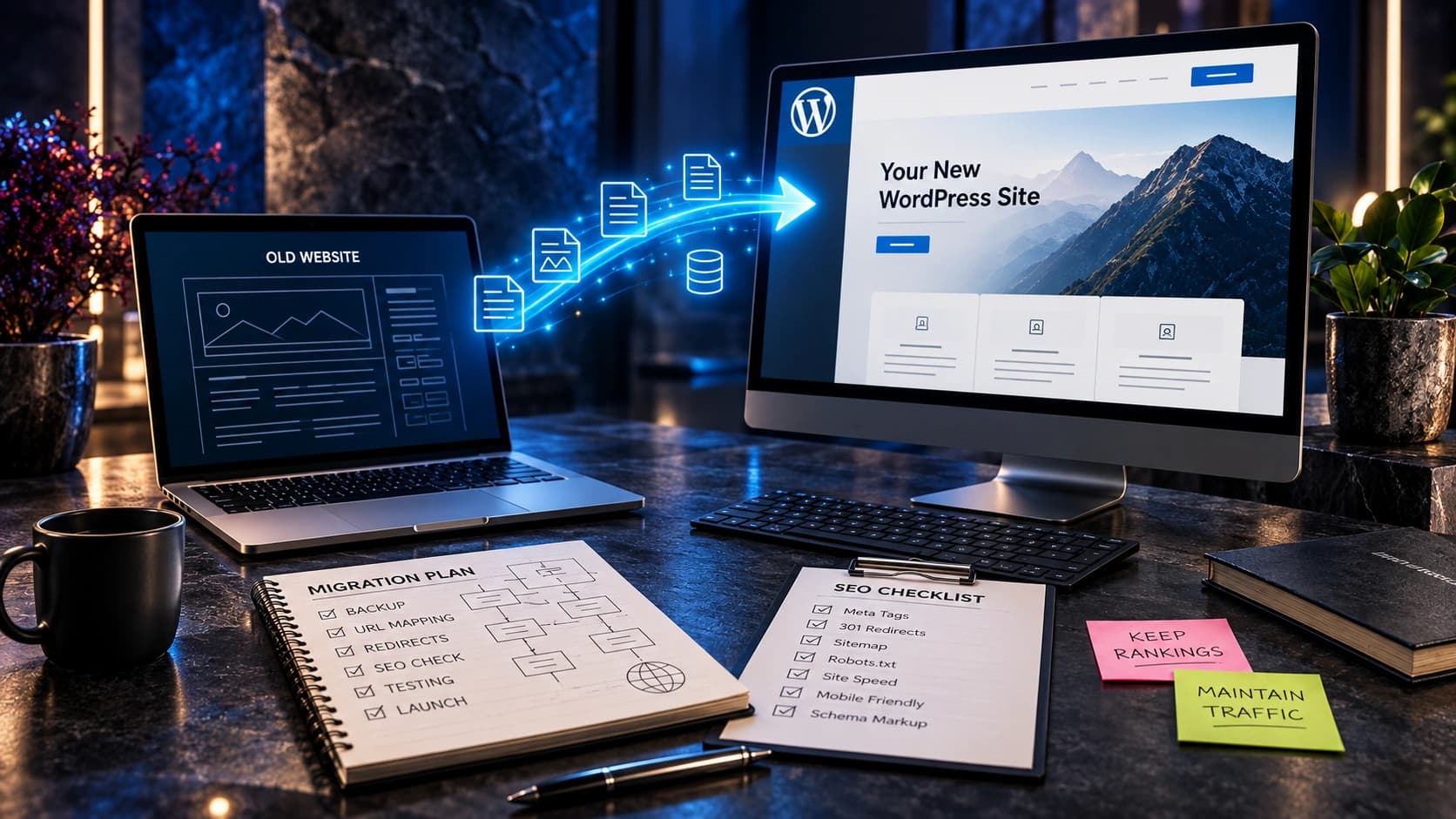
If you’re replacing an existing site, our website redesign vs rebuild guide can help identify what should be preserved.
4. Lead generation: the important difference is what happens after the visit
A website that exists to generate enquiries has a job beyond displaying information. It must explain the offer, build confidence, present a clear next step, handle contact details correctly, and help the business follow up.
AI can generate buttons and forms, but it cannot know your real sales process without accurate instructions, integrations, and validation. If you promise “Get a Free Estimate,” the site should explain the process and reliably deliver the request to someone who can respond.
For a professional build, conversion planning may include dedicated landing pages, clear form validation, CRM lead routing, event tracking, and deliberate messaging. These features can also exist on AI builder platforms, depending on integrations and plan restrictions. The key is that someone must design and test the journey.
If your current website already receives visitors but few enquiries, read 15 problems to check when website traffic isn’t generating leads before assuming a rebuild will fix everything.
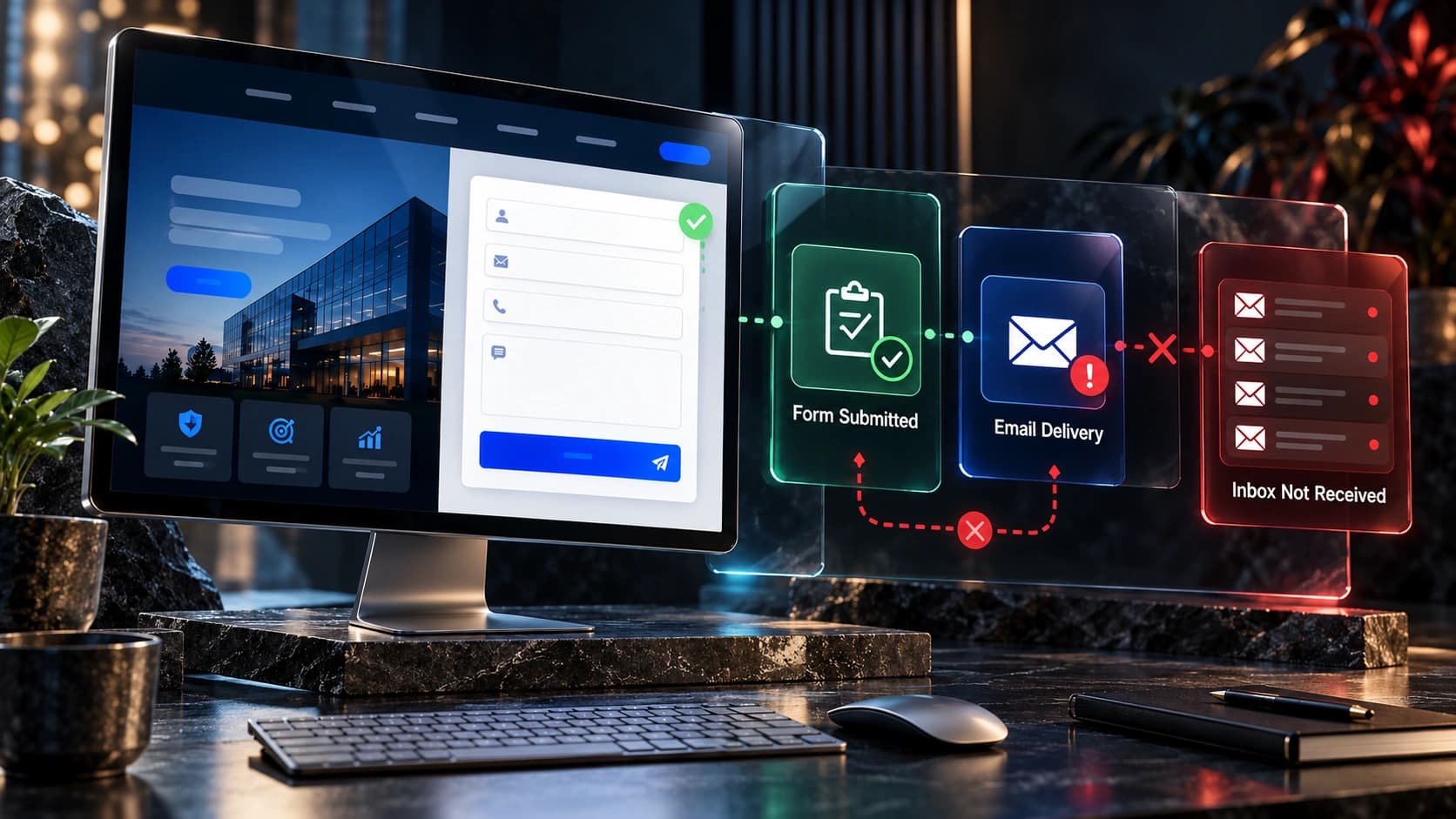
Useful test: Submit a real enquiry from a mobile phone. Does the message get stored? Does the right person receive it? Is the visitor told what happens next? If the answer is uncertain, the site is not finished simply because the design looks polished.
5. Custom features and integrations: requirements matter more than labels
Imagine your business needs a website that connects an appointment system, customer database, quote calculator, inventory platform, payment provider, and internal CRM. Some platforms offer ready-made integrations for these tasks. Others require custom API work, middleware, or a different architecture.
A hosted AI builder can be excellent if a supported app meets the need reliably. Building custom functionality is not automatically an advantage: every custom feature introduces testing and maintenance work. But when your process is unusual, forcing it into the limits of a template can become an ongoing operational cost.
A professional developer can evaluate existing integrations, design secure data flows, and build special workflows when necessary. The deliverable should include more than code: it should include tested behavior, documented ownership, error handling, and an agreed support process.
Decision question: Are all required features available as supported native functionality, or does your business depend on a workflow the builder doesn’t comfortably handle?
6. Mobile usability and accessibility: neither approach gets a free pass
Many modern templates are responsive, including those generated by AI. That’s an advantage, not a guarantee of good mobile usability. A layout can technically fit a small screen while still having unreadable text, hidden contact controls, awkward navigation, or a form that is frustrating to complete.
Accessibility adds other requirements: meaningful headings, labelled fields, sufficient text contrast, keyboard navigation, visible focus indicators, and clear error messages. These should be checked whether a site is generated by AI or handcrafted.
The Web Content Accessibility Guidelines provide a useful framework. A competent professional should be able to explain how they assess accessibility, but hiring a developer alone does not guarantee compliance.
Ask for testing on real devices, not only a desktop preview. Look especially at navigation, lead forms, payment steps, and any interface visitors must use to contact you.
7. Security and maintenance: think in terms of responsibility
Hosted builders usually handle significant parts of infrastructure, platform updates, and hosting operations. That can reduce the technical burden for a small business. However, the owner remains responsible for appropriate account access, published content, business processes, and configuration choices.
Custom sites can offer more control, but that control brings obligations. Depending on the stack, someone needs to manage updates, dependencies, access permissions, backups, monitoring, incident response, and integrations.
Neither “AI-built” nor “custom-coded” automatically means insecure. What matters is whether the website has a clear owner for security and maintenance tasks and whether those tasks are actually performed.
Before signing a contract or choosing a platform, ask who restores a backup, who responds if a form breaks, how accounts are protected, and what happens when a third-party integration changes.
8. Ownership and portability: what can you take with you?
Businesses often overlook this question until years after launch. Can you move your website to another host? Export its content? Take your design assets, customer data, domain, and important URLs? What happens if a platform changes pricing or a developer is no longer available?
The answers differ from platform to platform. Some hosted builders provide useful export options for particular data types but do not offer a simple one-click method to recreate the entire website elsewhere. A custom site may be more portable, but only if the client actually owns or can access the repository, assets, hosting, and relevant accounts.
Practical checklist: Keep the domain registered to your business, retain administrative access, understand what data can be exported, and get ownership and handover terms in writing. If development is custom, request deployment instructions and documentation for business-critical integrations.
9. Cost: compare the total cost, not the first invoice
AI builders are often marketed through affordable monthly subscriptions. Professional development usually involves a project fee. Comparing a monthly platform price with an upfront development quote is not an equal comparison because the deliverables and responsibilities may differ.
To estimate a three-year total cost, include the items below:
- Builder approach: subscription and hosting fees, domain renewal, paid integrations, transaction charges if applicable, premium templates or applications, content preparation, and your own time spent editing and testing.
- Developer-led approach: discovery and development, hosting, domain, ongoing maintenance, paid services, content production, post-launch support, and work required for future changes.
- Both approaches: branding assets, copywriting, photography, analytics, ongoing SEO, accessibility improvements, security configuration, and potential redesign work later.
The right budget is determined by business requirements, not by a universal “AI is cheap, developers are expensive” formula. Some companies are well served by a basic hosted subscription. Others save time over several years with a professionally planned system that reduces repeated manual work.
For a broader discussion of project budgets, see our business website cost guide. Always check current vendor plan pages before making a purchasing decision; features and pricing change.

10. Three realistic scenarios: what would we choose?
Scenario A: A new solo consultant needs a credible online presence
The consultant needs a homepage, About page, one or two service pages, testimonials they can verify, and a contact form. There are no unusual integrations, and they want to maintain the copy themselves.
Likely sensible choice: A high-quality hosted builder, potentially using AI to accelerate the first draft. The owner should still check messaging, mobile usability, form delivery, and search settings before publishing. Hiring a professional for a focused strategy or copy review could also be worthwhile.
Scenario B: An established service business receives paid leads
The business runs Google Ads and Meta Ads, serves multiple locations, and depends on enquiries becoming scheduled consultations. It needs clear service pages, lead tracking, and reliable CRM handoffs.
Likely sensible choice: A professional-led design and conversion project, perhaps using a trusted builder as the underlying platform. The valuable work is in customer journeys, measurement, integrations, and QA rather than whether every page is coded from scratch.
Scenario C: A company needs complex quoting and account workflows
Customers need custom estimates, secure account features, inventory checks, and several back-office integrations. Requirements may change as the company grows.
Likely sensible choice: Professional technical planning and development, while still evaluating existing platforms for parts that shouldn’t be reinvented. AI tools can accelerate coding or documentation, but the architecture and production validation should have clear human ownership.
Can you combine AI website tools with professional development?
Yes—and in many cases, that is the most practical approach. Using AI does not require abandoning professional standards. A web developer can use AI-assisted tools for early concepts, drafts, routine components, or repetitive tasks while retaining responsibility for project strategy, testing, security, performance, and the final result.
The workflow might look like this:
- Discovery: Establish the audience, business goals, must-have features, and how success will be measured.
- Rapid exploration: Use AI or templates to generate structural ideas and compare directions.
- Human review: Refine messaging, branding, page hierarchy, trust evidence, and interaction design.
- Implementation: Choose a suitable hosted builder, WordPress setup, or custom stack based on actual requirements.
- Quality assurance: Test responsiveness, accessibility, links, forms, integrations, and tracking.
- Launch and iteration: Monitor meaningful results and improve the experience from evidence.
This approach avoids a false choice between “AI can do everything” and “every website must be fully custom-coded.”
12 questions to ask before choosing an AI builder or developer
- What is the main purpose of the website: credibility, enquiries, bookings, sales, or a custom workflow?
- Who will update it after launch, and how technical are they?
- Which pages and content types do we actually need now?
- Do we need specific integrations with CRM, booking, payments, or inventory?
- Can the chosen platform handle those integrations without fragile workarounds?
- What SEO settings, redirect controls, and content structures are available?
- How will we test mobile usability, accessibility, and forms?
- Who owns the domain, images, content, data, and code when applicable?
- How will backups, security, maintenance, and support be handled?
- What is the estimated total cost over three years, including our time?
- How difficult would it be to change platforms later?
- How will we measure whether the website is helping the business?
If you cannot answer several of these questions, the project probably needs a clearer brief before you choose a tool. Our website development requirements guide can help organize one.
Common mistakes when using an AI website builder
Publishing unreviewed AI copy: generated content may contain vague claims, inaccurate service details, or invented credentials. Replace it with verifiable information in your business’s own voice.
Accepting a template without testing: check buttons, mobile menus, contact forms, confirmation messages, and legal or privacy notices before launch.
Choosing a platform for one feature: a striking AI demo does not prove it supports the workflows you will need in two years.
Ignoring the visitor’s questions: your homepage should make the business understandable, not simply look like other modern websites.
Skipping ongoing ownership planning: know who controls the domain, what can be exported, and who can fix problems.
Common mistakes when hiring a professional developer
Buying visual polish without a defined outcome: request an explanation of how the proposed design supports your users and business goals.
Overengineering simple needs: a straightforward brochure website may not require a custom application, heavy infrastructure, or a complicated maintenance arrangement.
Leaving responsibilities vague: specify who supplies content, who handles revisions, what is included after launch, and how handover works.
Assuming expertise guarantees results: ask to see relevant work, testing processes, and realistic explanations rather than accepting promises about automatic rankings or conversion gains.
Forgetting maintainability: a website should remain useful when the original builder or developer is no longer involved.
Frequently asked questions
Can an AI website builder create a professional business website?
Yes, especially for common website structures such as a simple homepage, service pages, portfolio, or informational business website. The finished quality depends on the instructions, the platform, and how carefully a person reviews the content, design, functionality, and integrations.
Is hiring a web developer still worth it in 2026?
It can be, particularly when you need deliberate customer experience design, custom integrations, complex features, reliable measurement, or clear technical accountability. For a very simple site, an AI-powered hosted builder may be a more economical choice.
Are AI-built websites bad for SEO?
No. Search engines do not automatically reject websites because AI assisted in creating them. Relevant content, crawlability, usability, useful information architecture, and sound technical implementation matter much more than the label on the website builder.
Which is cheaper over the long term: AI website builder or custom website?
It depends on subscription fees, premium features, required integrations, support, maintenance, and the value of your time. Compare a realistic three-year cost with your business requirements instead of comparing only the initial price.
Can a developer use AI to build my website?
Yes. Many professional workflows include AI-assisted research, ideation, coding, or content drafting. The important distinction is whether someone competent owns the decisions, validates the result, and provides the agreed quality and support.
Should I use Wix, Squarespace, Webflow, WordPress, or Next.js?
Start from your requirements. Hosted builders can make straightforward content sites easy to manage. WordPress offers a broad CMS ecosystem and more hosting choices. Next.js can be appropriate for custom React-based experiences and integrations, but requires suitable development and operations. The platform should fit your editing needs, budget, technical requirements, and support capacity.
Can I move my AI-built site to another platform later?
Portability varies. You may be able to export content or some assets, while rebuilding visual layouts or custom behavior may still take work. Review the platform’s current export capabilities and domain policies before committing.
Do professional websites guarantee more customers?
No website can honestly guarantee sales or rankings. A thoughtful professional process can address conversion barriers and technical risks, but outcomes also depend on traffic quality, market demand, offer, pricing, sales follow-up, and measurement.
Our recommendation: choose the solution that solves your actual problem
AI website builders are not a gimmick, and professional web developers are not automatically unnecessary. Both can create useful websites. The right choice depends on what your business needs today, how that need might evolve, and who will be responsible when something stops working.
For a simple online presence, a good AI builder may be sufficient. For a website connected to revenue-critical workflows, custom features, complex integrations, or a distinctive brand experience, investing in professional expertise can be worthwhile. And many businesses benefit from a hybrid approach that combines the speed of AI tools with thoughtful human strategy and quality control.
At Avenzo Digital, we focus on website design and development, redesign, and improvements that make websites clearer and more useful to real customers. The goal is not to sell complexity your business doesn’t need.
Not sure which approach fits your website? Request a consultation and ask about a free homepage mockup. Share your current website or a brief description of the business, and we can discuss the practical options.