Elementor makes it possible to build and manage WordPress websites without writing every part of the design from scratch. Its visual editor gives businesses the ability to create pages, adjust layouts, add sections, and make content…
Elementor makes it possible to build and manage WordPress websites without writing every part of the design from scratch. Its visual editor gives businesses the ability to create pages, adjust layouts, add sections, and make content changes directly from the WordPress dashboard. For many businesses, this flexibility is one of the main reasons to choose Elementor.
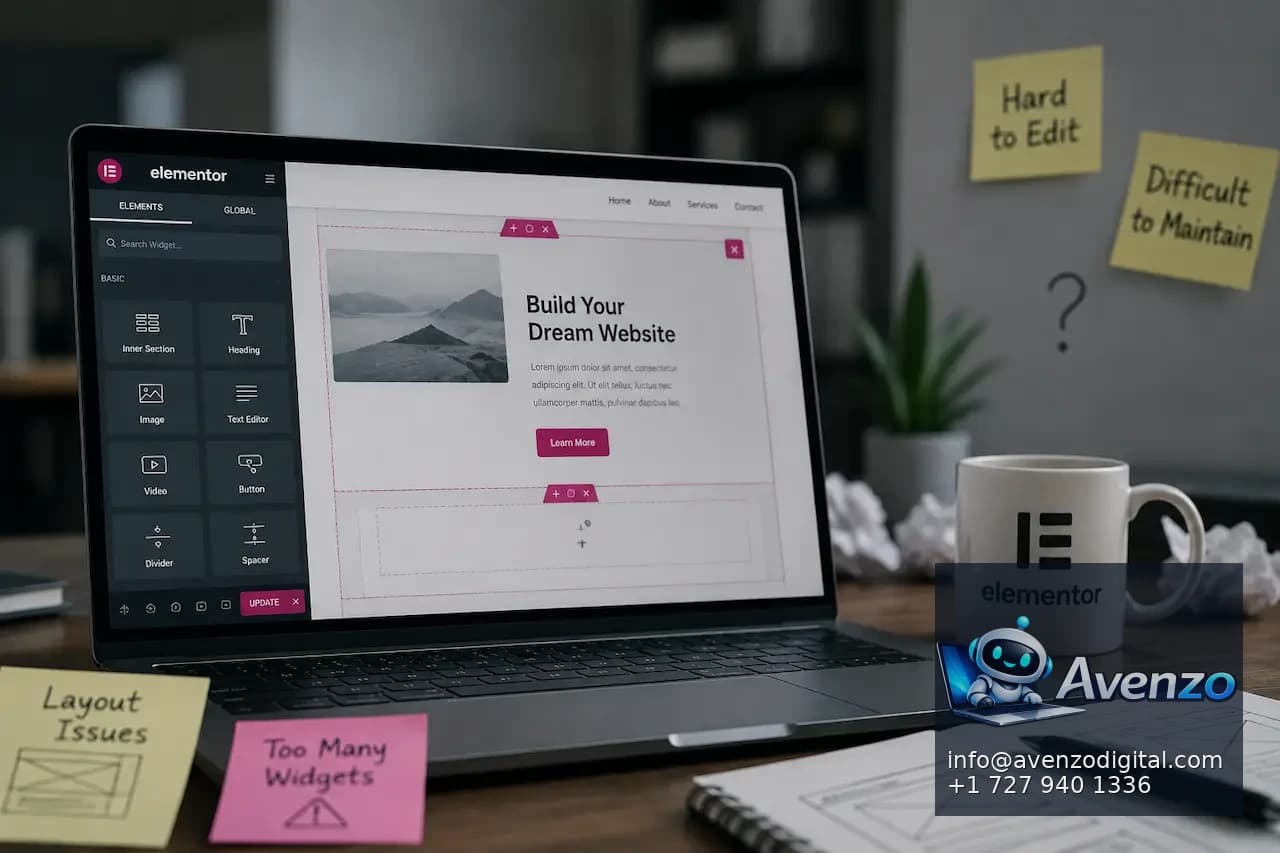
However, an Elementor website can become difficult to edit and maintain when it grows without a clear structure. A website may start with a simple design and a few pages, but over time more widgets, templates, plugins, custom CSS, global settings, and third-party integrations are added. Eventually, even a small content change can require multiple edits or create unexpected changes somewhere else on the website.
This does not necessarily mean Elementor is the problem. In many cases, the difficulty comes from how the website was originally built and how it has been maintained. Poorly organized templates, excessive plugins, duplicated styles, inconsistent layouts, and unnecessary custom code can all make an Elementor website harder to manage.
Understanding why your website has become difficult to edit is the first step toward making it easier to maintain. With a cleaner structure, consistent design system, appropriate plugins, and better maintenance practices, an Elementor website can remain flexible without becoming unnecessarily complicated.
Why Does an Elementor Website Become Difficult to Maintain?
An Elementor website usually becomes difficult to maintain gradually. The initial website may be relatively simple, but new pages and features are added as the business grows. Different developers may also work on the website over time, each using slightly different approaches.
One developer might create a reusable template, while another duplicates an existing page and modifies it. Someone else may add custom CSS to fix a design problem, while another person installs a plugin to achieve a similar result. Each decision may solve an immediate problem, but the combined effect can make the website increasingly difficult to understand.
Eventually, the website may contain multiple versions of similar sections, inconsistent spacing, duplicated styles, unused templates, and plugins that are no longer necessary. When this happens, making a simple change becomes more complicated because you first need to determine how the existing website was built. The issue is often not one specific Elementor feature. It is the accumulation of decisions that were made without a consistent structure.
Is Elementor Itself the Problem?
Elementor is not automatically responsible for a difficult-to-maintain website. The page builder provides tools that can make website management easier, but the quality of the final website depends heavily on how those tools are used. A well-structured Elementor website can be relatively easy to update. Reusable templates, global settings, consistent widgets, organized content, and a controlled plugin environment can make future changes much simpler.
On the other hand, a website that relies heavily on duplicated sections, custom CSS, unnecessary plugins, and inconsistent design settings can become difficult to manage regardless of the page builder being used. This distinction is important because replacing Elementor is not always the solution. If the underlying website structure is poorly organized, moving to another builder may simply transfer the same problems into a different system.
The better approach is to identify what is making the current website difficult to edit and determine whether the problem can be fixed through restructuring and optimization.
Too Many Elementor Widgets Can Create Complexity

Elementor provides many widgets and design controls, which can be useful when creating customized pages. However, using too many different widgets can make the website harder to understand and maintain.
For example, one page might use several different heading widgets, button configurations, container structures, image layouts, and spacing settings. Another page may use completely different combinations for visually similar elements.
This creates inconsistency and makes future editing more difficult. If you want to change the appearance of all primary buttons, you may have to edit multiple individual elements instead of changing one global setting. A better approach is to establish a consistent set of components and styles. Use the same types of headings, buttons, spacing patterns, and content structures whenever possible. This reduces the number of decisions editors need to make when creating or updating pages.
Are You Using Global Settings Correctly?
Global settings can make Elementor websites much easier to manage when they are used consistently. Instead of manually selecting colors, fonts, button styles, and other design properties for every element, global settings can help maintain consistency across the website. Without a clear global design system, individual elements may have their own colors, font sizes, margins, padding, and other settings. This can create a website where visually similar elements are actually configured differently.
Imagine changing your brand’s primary color. If the color has been applied individually to dozens of buttons, headings, and sections, updating the website can become a tedious process. If the design has been structured around global settings, the same change may be much easier to implement. Global settings should therefore be established early and used consistently throughout the website.
Why Is Duplicate Content Structure a Problem?
Duplicating pages is a common way to build Elementor websites quickly. You may create one service page, duplicate it, and then change the text and images for another service. This can save time initially, but excessive duplication can create maintenance problems.
If the original page contains a design improvement, you may need to make the same improvement manually across every duplicated page. Over time, some pages may be updated while others remain based on older versions.
This creates inconsistent layouts and makes it difficult to determine which version should be treated as the standard. Reusable templates and global components can provide a better solution for repeated layouts. Instead of duplicating everything, create a consistent structure that can be reused while allowing page-specific content to remain flexible.
Are Too Many Plugins Making Your Website Harder to Manage?
Elementor websites often rely on plugins to add additional functionality. Plugins can be useful, but installing too many can create maintenance problems. Every plugin introduces another component that may require updates, configuration, compatibility checks, and troubleshooting. Some plugins may also add widgets or functionality that overlaps with Elementor or other plugins.
Over time, your website may end up with several tools performing similar functions. This can make it difficult to determine which plugin is responsible when something stops working. A regular plugin audit can help identify plugins that are unused, redundant, outdated, or unnecessary. Before installing a new plugin, consider whether the required functionality already exists in Elementor, WordPress, your theme, or another tool you already use. Reducing unnecessary dependencies can make the website easier to maintain and troubleshoot.
Can Custom CSS Make Elementor Harder to Edit?
Custom CSS can be useful when Elementor’s standard controls do not provide the exact design you need. However, excessive or poorly organized custom CSS can make future editing much more difficult.
For example, an element may appear a certain way because of a custom CSS rule that is not immediately visible in the Elementor settings. If another editor changes the element without knowing about that CSS, the design may break or behave unexpectedly.
The problem becomes more complicated when CSS is added in multiple places, such as individual widgets, page settings, theme settings, and external stylesheets. Custom CSS should therefore be documented and used carefully. Whenever possible, common design requirements should be handled through global settings or reusable components instead of creating dozens of individual overrides.
Why Is Your Website Slow Inside the Elementor Editor?
Sometimes an Elementor website may be difficult to edit simply because the editor itself is slow. Large pages with many widgets, nested containers, animations, third-party integrations, and heavy plugins can require significant browser and server resources. As the page becomes more complex, editing can become slower and less responsive.
This can be frustrating because even a simple change may take longer to load, save, or preview. Performance problems inside the editor should be investigated separately from frontend performance. A website can appear reasonably fast to visitors while still being difficult for administrators to edit.
Reducing unnecessary widgets, simplifying page structures, reviewing plugins, and improving hosting and website performance can help create a better editing experience. For businesses that need broader performance improvements, WordPress speed optimization can be part of a larger maintenance strategy.
Are Your Elementor Pages Too Large?
A page can become difficult to manage when it contains an excessive number of sections, containers, widgets, and nested elements. For example, a relatively simple landing page might be built using many individual containers and widgets instead of a cleaner component structure. The visual result may look fine, but the backend becomes difficult to navigate.
When an editor opens the page, they may have to scroll through a large hierarchy just to find the section they want to change. Simplifying the page structure can make editing easier. Group related content logically and remove unnecessary nesting where possible.
A clean backend structure is just as important as the visual appearance of the frontend.
Why Are Reusable Templates Important?
Reusable templates can reduce repetitive work and help maintain consistency across an Elementor website. If multiple pages share the same layout, you should not necessarily rebuild the entire structure from scratch each time. A reusable template can provide the common framework while allowing individual content to change.
This becomes particularly useful for service pages, landing pages, blog layouts, headers, footers, and other repeated website components. Templates also make future design changes easier. If a common component is managed centrally, updating the template can help maintain consistency across pages that use it.
However, templates should be organized clearly. Too many similar templates can create another problem where editors are unsure which one to use.
How Do Inconsistent Design Systems Affect Maintenance?
An inconsistent design system can make an Elementor website much harder to maintain. Imagine that every page has slightly different heading sizes, button styles, spacing, colors, and section layouts. The website may still look acceptable, but making global design changes becomes difficult.
A consistent design system provides rules for how common elements should look and behave. This can include typography, colors, spacing, buttons, forms, cards, headings, and other components.
The goal is not to make every page identical. It is to establish a common visual language that makes the website easier to manage and gives visitors a more consistent experience.
Is Your Elementor Website Using an Outdated Theme?

The WordPress theme can also affect how an Elementor website is maintained. Some themes provide strong compatibility with Elementor and give developers a clean foundation for customization. Others may introduce their own design systems, page-building features, or styles that overlap with Elementor.
When multiple systems control the same visual elements, conflicts can occur. An outdated theme can also create compatibility and security concerns. If the website relies on an old theme that is no longer actively maintained, future WordPress or plugin updates may introduce problems.
Your theme should therefore be reviewed as part of a broader website maintenance process rather than treating Elementor as an isolated component.
Can Elementor Updates Break a Website?
Like other website software, Elementor and its related components receive updates that may change functionality, improve security, fix bugs, or introduce new features. Updates are important, but compatibility should be considered before applying major changes to a live website. Problems can occur when Elementor, Elementor Pro, WordPress, the theme, and other plugins are running versions that are not compatible with each other.
This is one reason why testing updates on a staging environment can be valuable. A staging website allows changes to be tested before they are applied to the live website. A controlled update process can reduce the risk of unexpected problems and make maintenance more predictable.
Why Should You Use a Staging Website?
A staging environment is a separate version of your website where changes can be tested before they reach the live site. This can be particularly useful for Elementor websites because updates may affect layouts, widgets, forms, templates, or custom functionality.
Instead of testing a major update directly on the production website, developers can apply the changes to staging and check important pages first. This approach also makes it easier to experiment with design changes without immediately affecting visitors.
For businesses that regularly update their websites, a staging workflow can make maintenance safer and more controlled.
How Do Poorly Organized Templates Create Problems?
Templates can become difficult to manage when there are too many versions with unclear names.
For example, a website might contain templates named “Service Page New,” “Service Page Final,” “Service Page Final 2,” and “Service Page Updated.” Months later, an editor may not know which version is actually being used. Clear naming conventions can prevent this problem. Templates should have descriptive names that explain their purpose. Unused templates should also be reviewed and removed when they are no longer necessary.
The goal is to make the Elementor dashboard understandable to someone who did not originally build the website.
What Happens When Multiple People Edit an Elementor Website?
Multiple editors can make a website easier to maintain because responsibilities are shared, but it can also create inconsistencies if there are no clear editing rules.
One person may change global styles while another manually overrides them. Someone may duplicate a template instead of editing the existing component, while another editor may install a plugin to solve a problem that could have been handled differently.
A simple website management process can reduce these issues. Editors should know which elements are global, which templates should be reused, which plugins are approved, and where custom code is stored. Documentation can also help new team members understand the website without having to reverse-engineer every page.
Why Is Documentation Important for Elementor Websites?
Documentation is often overlooked, particularly on smaller websites. However, even basic documentation can save time when someone new needs to make changes. Documentation might explain which plugins are essential, how templates are organized, where custom CSS is stored, which pages use specific templates, and how global settings are configured.
It can also record important information about integrations, forms, analytics, and other website functionality. Without documentation, future developers may have to spend hours investigating how the website works before making changes. A few clear notes can significantly reduce this learning curve.
Should You Rebuild a Difficult Elementor Website?
Not every difficult Elementor website needs to be rebuilt. Sometimes the problems can be solved by cleaning up the existing structure, removing unnecessary plugins, organizing templates, standardizing styles, and improving performance.
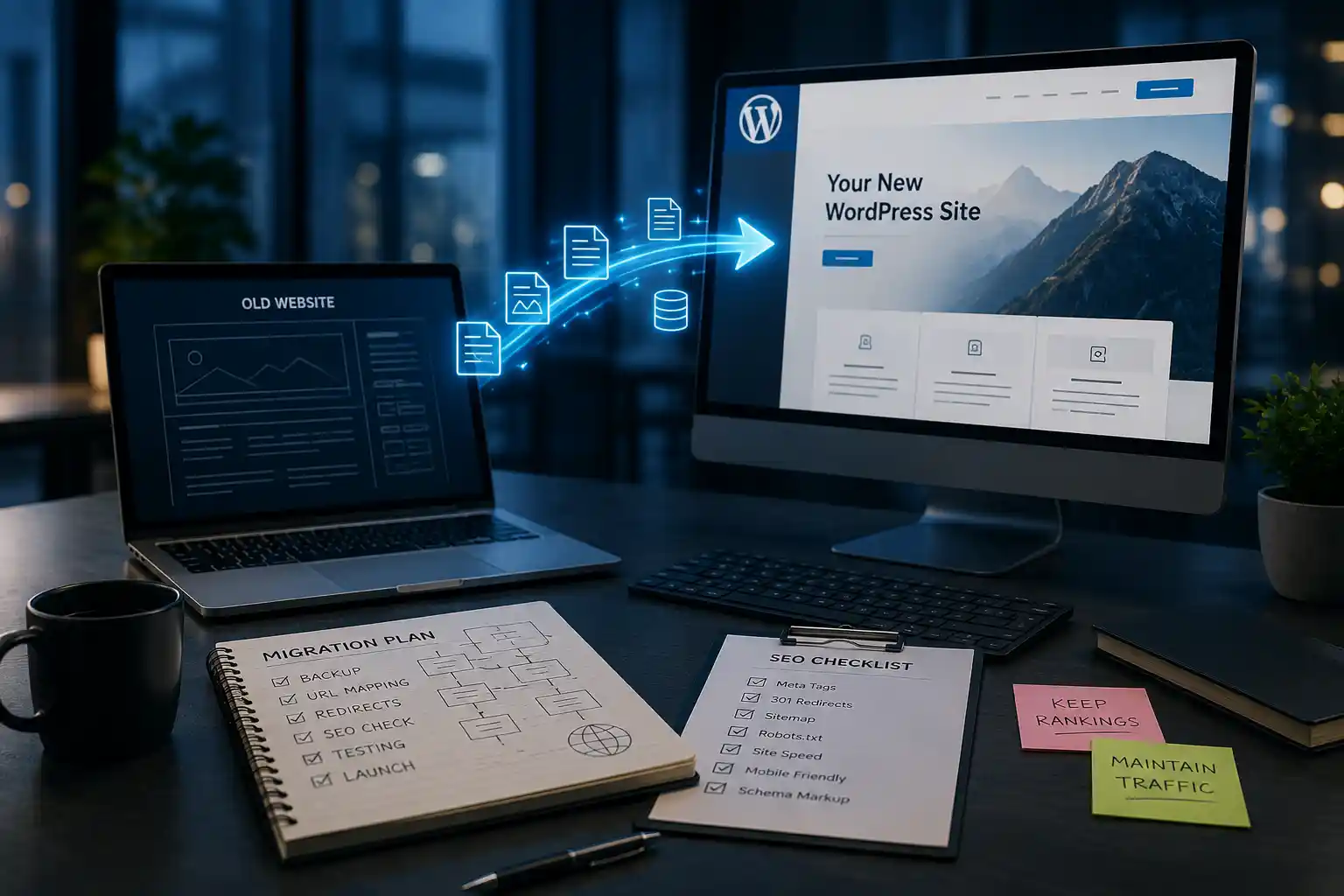
However, a rebuild may make sense when the website has become so complicated that fixing individual problems is more expensive or risky than starting with a cleaner foundation. Before rebuilding, evaluate the current website carefully. Identify which content, URLs, integrations, functionality, and SEO signals need to be preserved. A WordPress website redesign can be an opportunity to improve both the visual experience and the underlying structure when the existing setup has become difficult to manage.
How Can You Make an Elementor Website Easier to Edit?
Start by auditing the current website rather than making random changes. Review your templates, widgets, plugins, global settings, custom CSS, theme, page structure, and integrations. Identify areas where the same functionality has been implemented multiple times. Then create consistent standards for the website.
Use global styles for common design elements, establish reusable templates, remove unnecessary plugins, simplify complicated page structures, and organize templates with clear names. You should also document important settings and test major updates before applying them to the live website. These changes can turn a difficult website into a much more manageable system.
What Should You Check During an Elementor Maintenance Audit?
A useful maintenance audit should look beyond whether the website appears visually correct. Review the following areas:
- WordPress and Elementor versions
- Elementor Pro compatibility
- Theme compatibility
- Plugin usage and updates
- Unused plugins
- Template organization
- Global styles
- Custom CSS
- Page structure
- Forms and integrations
- Website performance
- Security
- Backups
- Staging environment
- Mobile layouts
- Broken functionality
This type of review can help identify problems before they become more expensive.
Regular maintenance also makes it easier to keep the website stable as new content and features are added.
Can a Custom Elementor Development Approach Help?
Sometimes the best solution is not to abandon Elementor but to establish a more controlled development approach. A custom Elementor setup can use reusable components, consistent templates, global settings, and carefully selected functionality instead of relying on ad hoc page editing.
This can make the website easier for internal teams to manage while still giving them the flexibility they expect from a visual page builder. For businesses with more complex requirements, Elementor website development can provide a structured approach to building and maintaining Elementor-based websites. The goal should be to create a system that remains manageable as the website grows.
Final Thoughts
An Elementor website can become difficult to edit and maintain when its structure becomes inconsistent, overly complicated, or dependent on too many plugins and custom workarounds. The problem is often not Elementor itself but the way the website has been built and maintained over time. Start by reviewing your page structure, templates, global settings, plugins, custom CSS, theme, and integrations. Look for duplicated functionality and inconsistent design decisions that make simple changes more difficult than they need to be.
Use reusable templates and global styles wherever appropriate, keep your plugin environment controlled, and avoid unnecessary custom code. Make sure your team has basic documentation so future editors can understand how the website is organized.
It is also important to treat maintenance as an ongoing process. WordPress, Elementor, themes, and plugins all require updates, and those updates should be tested carefully to avoid unexpected problems. A staging environment and reliable backups can provide an additional layer of protection.
If your Elementor website has become extremely difficult to manage, do not immediately assume that you need to start over. A structured audit may reveal that the existing website can be cleaned up and reorganized. If the underlying system is too complicated or outdated, however, a carefully planned redesign or rebuild may provide a better long-term foundation. The goal is not simply to make Elementor easier to use today. It is to create a website that remains easy to edit, secure, consistent, and manageable as your business continues to grow.
Frequently Asked Questions
1. Why is my Elementor website difficult to edit?
An Elementor website can become difficult to edit because of complicated page structures, too many plugins, duplicated templates, custom CSS, and inconsistent design settings.
2. Is Elementor itself bad for website maintenance?
No. Elementor can be easy to maintain when the website is properly structured, uses reusable templates, and follows consistent design and development practices.
3. Can too many plugins affect my Elementor website?
Yes. Too many plugins can create compatibility issues, slow down the website, and make troubleshooting and updates more complicated.
4. How can I make my Elementor website easier to manage?
Use global styles, reusable templates, consistent layouts, fewer unnecessary plugins, organized custom CSS, and clear documentation for your website.
5. Can custom CSS make an Elementor website difficult to maintain?
Yes. Excessive or poorly organized custom CSS can create hidden design dependencies and make it harder to understand why certain elements look or behave differently.
6. Should I rebuild my Elementor website if it is difficult to maintain?
Not always. A website audit and cleanup may solve the problem. A rebuild may be appropriate if the existing structure is severely outdated, inconsistent, or overly complicated.
7. Does Elementor need regular maintenance?
Yes. WordPress, Elementor, themes, and plugins should be updated regularly, with important updates tested carefully to reduce compatibility problems.
8. Why should I use a staging website for Elementor updates?
A staging website lets you test Elementor, WordPress, theme, and plugin updates before applying them to the live website, reducing the risk of unexpected problems.
9. When should I consider professional Elementor development?
Consider professional help when your website has complex layouts, custom functionality, performance issues, integration requirements, or a structure that has become difficult for your team to manage.
Related Avenzo Service
For implementation help beyond this guide, explore Avenzo’s WordPress development services for custom builds, migrations, performance, security, and ongoing support.
WordPress Development →