

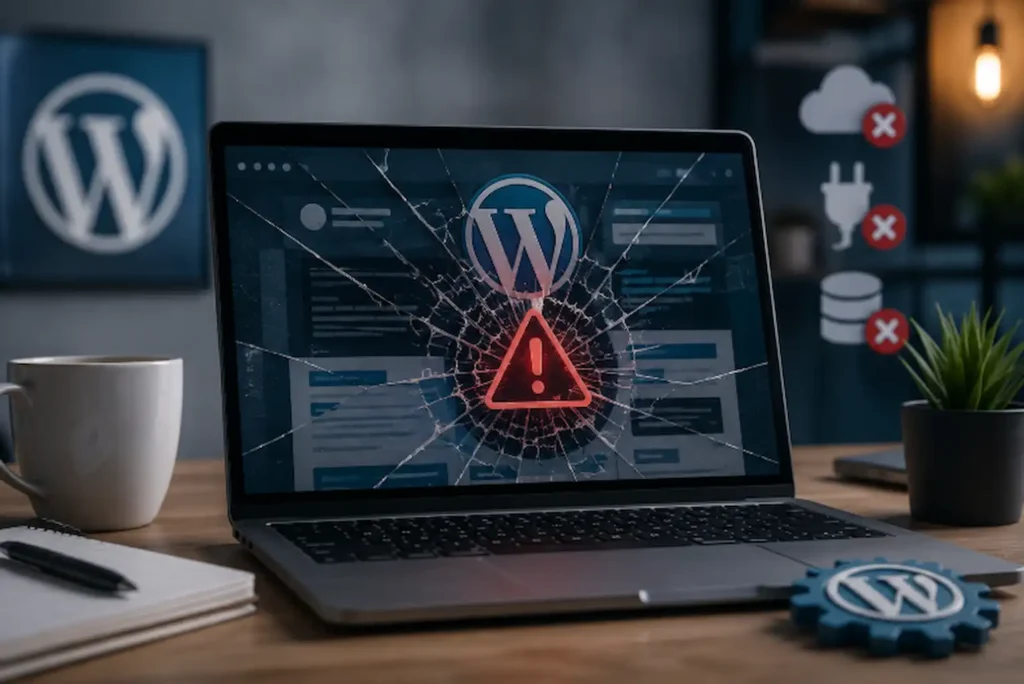
A WordPress website should help your business grow, not become another problem you constantly have to solve. Yet many business owners find themselves dealing with the same frustrating cycle. A plugin stops working after an update. The homepage suddenly looks different. Contact forms stop sending enquiries. Sometimes the entire website goes offline without warning.
If your WordPress website keeps breaking, the problem is rarely one bad plugin or one unlucky update. In most cases, these issues develop gradually as the website becomes more complex, receives inconsistent maintenance, or relies on components that no longer work well together. We’ve worked with businesses that believed they needed a completely new website because something seemed to break every few weeks. After reviewing their websites, the issue usually wasn’t the design. It was years of small technical decisions that had quietly created instability.
The encouraging news is that WordPress is not an unreliable platform. Millions of businesses depend on it every day. The difference is that stable websites are managed proactively instead of being repaired only after something goes wrong. Professional WordPress Development services help businesses build websites that remain stable as they grow. Before fixing individual problems, it’s important to understand where those problems usually begin.
First Find Out What Is Actually Breaking WordPress Website
When business owners say their website keeps breaking, they often describe several different problems using the same phrase. One business may be referring to slow loading pages. Another may be talking about plugin errors. Someone else may be experiencing failed updates, broken layouts, or intermittent downtime. Although these problems look similar from the outside, they rarely have the same cause.
Before making changes, ask yourself:
- Does the entire website stop working, or only certain pages?
- Did the problem appear after installing something new?
- Are visitors reporting issues that you cannot reproduce?
- Does the website fail consistently or only occasionally?
- Are enquiries, bookings, or online sales being affected?
This simple diagnosis prevents unnecessary guesswork. Instead of fixing random symptoms, you begin identifying patterns. In our experience, websites that repeatedly break usually have one thing in common. They rely on too many moving parts that are no longer working together properly.
Your Website Depends on More Software Than You Realise
Every WordPress website is made up of multiple layers of software. WordPress itself must work alongside your theme, plugins, hosting environment, PHP version, database, security tools, and any custom code that has been added over the years. When everything remains updated and compatible, visitors rarely notice what’s happening behind the scenes. Problems begin when one part changes while everything else stays the same.
For example, a plugin developer may release a major update that expects a newer PHP version. Your hosting company might update server software while your theme still depends on older code. A page builder could introduce changes that another plugin doesn’t support.
None of these updates are necessarily wrong. The problem is that they no longer work together. This is one reason many businesses choose custom WordPress development to ensure long-term compatibility. We’ve seen businesses install new plugins simply because they offered useful features, without considering how they would affect the rest of the website. Months later, a routine update exposed compatibility problems that had been building quietly in the background.
This is why WordPress websites rarely “break overnight.” Most issues have been developing long before the first error message appears. Once multiple systems depend on one another, even a small update can have a much bigger impact.
Small Updates Can Create Bigger Problems
Many business owners hesitate to update WordPress because they’re afraid something will stop working. Ironically, avoiding updates often creates exactly that situation. When websites fall several versions behind, the next update becomes much larger. Instead of installing one small improvement, WordPress must now catch up with months of changes across the core software, plugins, and themes.
The longer updates are delayed, the greater the chance that compatibility issues will appear. We’ve seen this happen with businesses that hadn’t updated their websites for more than a year. Everything seemed stable until they finally decided to update everything at once.
Suddenly:
- Contact forms stopped working.
- Layouts changed unexpectedly.
- Custom features disappeared.
- Plugins conflicted with each other.
- Parts of the website became inaccessible.
The updates themselves weren’t the problem. The website had simply fallen too far behind. This is why we recommend treating updates as routine maintenance instead of emergency repairs. Smaller, regular updates are usually much easier to manage than large batches completed after long delays. Keeping software updated is important, but updates alone cannot protect a website that isn’t maintained properly.
Your Website May Not Be Receiving the Maintenance It Needs
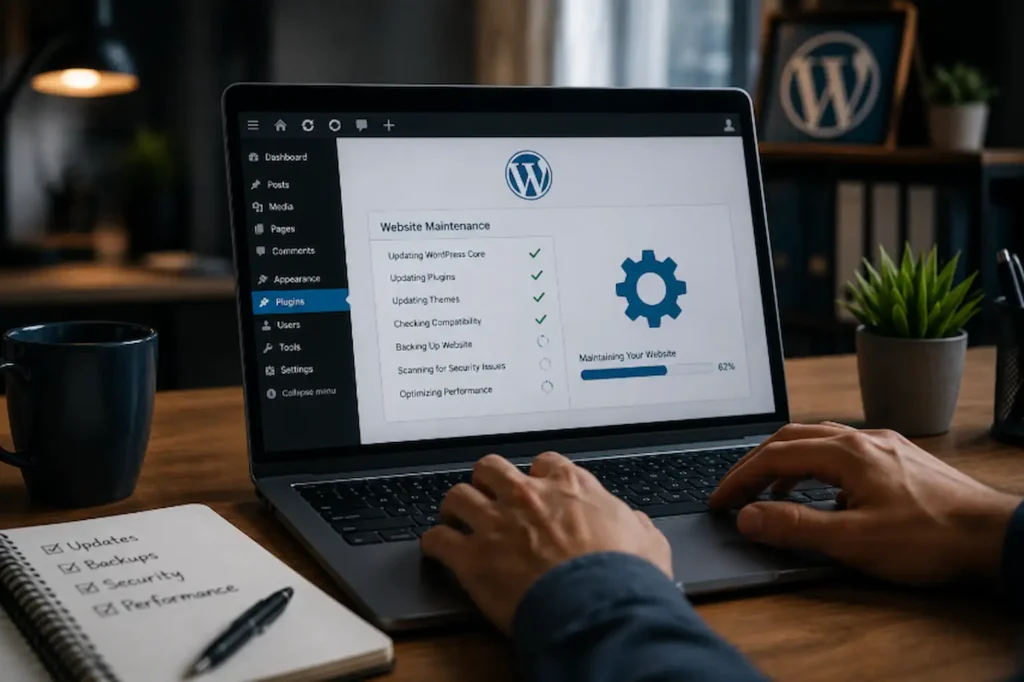
Many businesses assume that once a website has been launched, the work is finished. In reality, a website requires ongoing maintenance in much the same way a vehicle requires regular servicing. Ignoring maintenance doesn’t usually cause immediate failure. Instead, small issues accumulate until they eventually interrupt the website’s performance. Regular maintenance includes much more than installing updates.
It involves reviewing plugin compatibility, monitoring security, checking backups, testing important forms, removing unused software, and making sure the website continues working as expected after every change.
We’ve reviewed websites that hadn’t been checked in months because “everything looked fine.” During the audit, we discovered broken contact forms, outdated plugins, expired security certificates, and backup systems that had quietly stopped running. The business owner had no idea these issues existed because they weren’t visible during everyday browsing. Routine maintenance helps identify these problems before your customers do. A proactive website maintenance plan reduces the risk of recurring technical issues. Even a well-maintained website, however, depends on another factor that many businesses underestimate.
Your Hosting Environment May Be Contributing to the Problem
Not every website problem begins inside WordPress. Sometimes the hosting environment itself creates instability. Low-quality hosting often struggles to support growing websites, particularly when traffic increases or resource-intensive plugins are added. As a result, the website may appear unreliable even though WordPress itself is functioning correctly.
We’ve seen businesses spend weeks troubleshooting plugin conflicts when the real issue was their hosting environment. One day the website loaded normally, and the next day visitors experienced server errors, slow response times, or temporary outages. Because these problems appear inconsistent, it’s easy to assume WordPress is unreliable when the server is actually causing the instability.
Reliable hosting provides much more than faster loading speeds. It creates a stable environment where WordPress, plugins, themes, and future updates can work together without unnecessary interruptions. Choosing the right hosting provider won’t solve every technical problem, but it gives your website the foundation it needs to perform consistently as your business grows.
Once the hosting environment is stable, another factor deserves equal attention. Even a technically healthy website can become unreliable if security is ignored.
Security Problems Can Break Your Website Without Warning
When business owners think about website security, they often picture hackers stealing information or customer data. While those risks are real, the first signs of a security problem are usually much more visible. A website may suddenly begin redirecting visitors to unfamiliar pages. Contact forms stop working. New content appears that nobody on the team created. Search engines warn users that the website may be unsafe. In some cases, the entire website becomes inaccessible because malicious code has damaged important files.
We’ve worked with businesses that spent days trying to fix what looked like a plugin problem, only to discover that malware had quietly been running on the website for weeks. Security problems rarely announce themselves immediately. They often remain hidden until they begin affecting visitors, search rankings, or enquiries. Regular security monitoring, malware scanning, and software updates significantly reduce these risks. More importantly, they allow problems to be detected before they interrupt your business. Even a secure website, however, can become unreliable if it wasn’t built with long-term stability in mind.
Poor Development Decisions Create Long-Term Problems
Not every website issue is caused by WordPress. In many cases, the real problem begins during development. A website built quickly to meet a deadline may rely on temporary fixes, outdated plugins, unnecessary custom code, or shortcuts that work initially but become difficult to maintain as the business grows.
At first, everything appears to work as expected. However, as new features are added, WordPress receives updates, and plugins continue to evolve, those early development decisions begin creating compatibility issues. We’ve reviewed websites that looked perfectly functional on the surface but became increasingly unstable because they had accumulated duplicate plugins, unsupported custom code, and changes made by different developers over several years.
This is why long-term planning matters. Good WordPress development isn’t simply about launching a website it’s about building a platform that can continue growing without becoming unreliable every time something changes. A well-planned WordPress theme development strategy also makes future updates easier to manage. Investing in a stable foundation today helps prevent expensive technical problems in the future.
Not Having Reliable Backups Makes Every Problem Worse
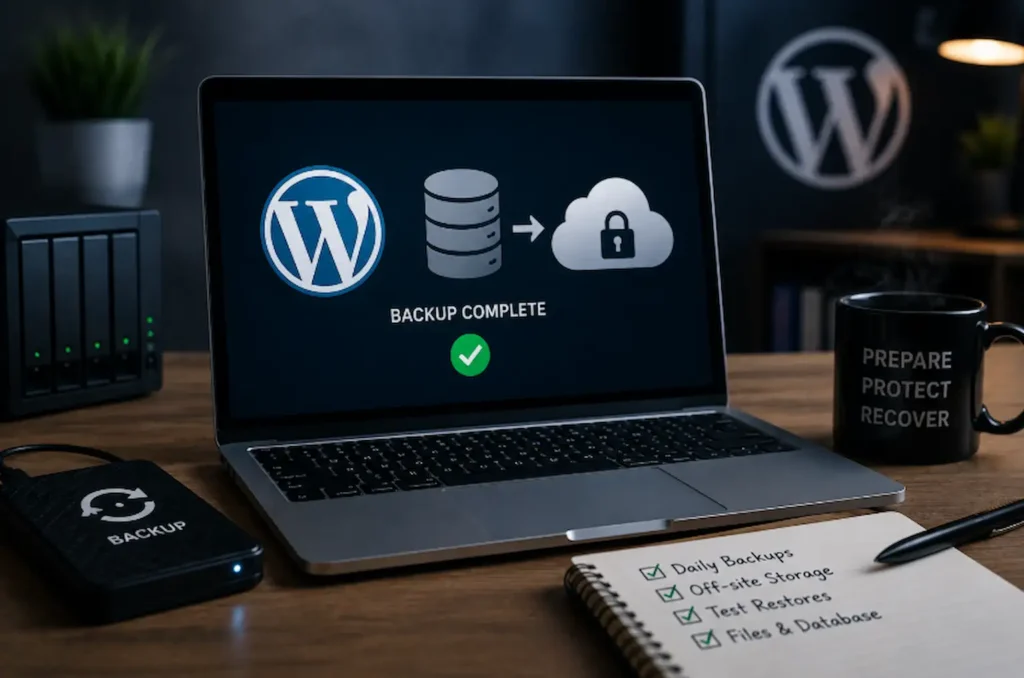
No website remains perfect forever. Updates can fail, servers can experience unexpected issues, and even small human mistakes can interrupt your website. The businesses that recover quickly are usually the ones that planned for these situations before they happened rather than trying to solve them during an emergency.
A reliable backup doesn’t prevent technical problems, but it can stop a temporary issue from becoming a costly business disruption. We’ve seen businesses assume their hosting provider was creating automatic backups, only to discover there wasn’t a recent backup available when the website failed. By that point, recovery becomes far more difficult and time-consuming.
A reliable backup strategy should include:
- Automatic daily backups
- Secure off-site storage
- Regular backup restoration testing
- Separate backups for website files and databases
Just as importantly, those backups should be tested regularly to ensure they can actually be restored when needed. Backups provide valuable peace of mind, but they should never replace regular maintenance. Combined with strong website security, they form the foundation of a reliable website. The best approach is always to prevent problems before recovery becomes necessary.
A Real-World Example
Consider a business that relies on its WordPress website to generate enquiries. The website looked professional and attracted regular traffic, but small technical issues kept appearing. A contact form stopped working after an update, pages occasionally displayed errors, and the website became increasingly difficult to manage. Because each problem seemed unrelated, temporary fixes were applied whenever something broke.
When we reviewed the website, the real issue became clear. Several outdated plugins, an unsupported theme, inactive software, and a lack of regular maintenance had gradually created an unstable environment. None of these issues alone explained why the website kept breaking. Together, however, they affected its reliability and performance.
This is a pattern we see regularly. A WordPress website rarely becomes unstable because of one failed update or one faulty plugin. More often, it is the result of several small issues that have been ignored over time. Once those underlying problems are addressed, the website becomes far more reliable and much easier to maintain.
How to Keep Your WordPress Website Stable
If your WordPress website keeps breaking, avoid treating every issue as an isolated problem. Instead, look at the website as a complete system. Focus on building long-term stability by:
- Keeping WordPress, plugins, and themes updated consistently.
- Removing software that is no longer needed.
- Choosing reliable hosting that supports your website as it grows.
- Monitoring website security regularly.
- Testing important forms and customer journeys after updates.
- Creating and verifying automatic backups.
- Reviewing compatibility before installing new plugins.
- Scheduling regular website maintenance instead of waiting for problems to appear.
We always encourage businesses to make improvements gradually rather than reacting only after something fails. The goal isn’t simply to fix today’s issue. It’s to reduce the likelihood of tomorrow’s issue. That proactive approach creates a website your business can rely on as it continues to grow.
Why Choose Avenzo Digital
At Avenzo Digital, we help businesses build WordPress websites that remain reliable long after launch. If your current website has deeper structural issues, our WordPress website redesign service provides a long-term solution. Our approach goes beyond fixing technical issues as they appear. We identify the underlying causes of website instability, improve long-term performance, and create maintenance strategies that reduce future risks.
Our WordPress services focus on:
- Building stable, scalable WordPress websites
- Preventing plugin and theme compatibility issues
- Improving website security and reliability
- Supporting long-term website maintenance
- Creating better experiences for both users and search engines
Every recommendation is made with one goal in mind: helping your website support business growth instead of interrupting it.
Conclusion
If your WordPress website keeps breaking, don’t assume WordPress itself is the problem. Most websites become unreliable because small technical issues gradually build on one another. Delayed updates, incompatible plugins, outdated themes, poor hosting, weak security, and inconsistent maintenance all contribute to the same result—a website that becomes increasingly difficult to trust.
The good news is that these problems are usually preventable. Our website improvement services help businesses resolve technical issues before they affect performance or customer trust. By maintaining your website consistently, choosing reliable technology, and addressing small issues before they become larger ones, you create a website that performs the way your business expects. A reliable website does more than stay online. It builds confidence, protects your reputation, supports better search performance, and gives potential customers one less reason to choose someone else.
Frequently Asked Questions
Why does my WordPress website keep breaking after updates?
Updates often expose compatibility issues between WordPress, plugins, themes, or custom code. Regular maintenance and testing updates before applying them to your live website help reduce these risks.
Can plugins make my WordPress website unstable?
Yes. Poorly coded, outdated, or unnecessary plugins can create conflicts, reduce performance, and increase the likelihood of technical issues, especially when multiple plugins perform similar functions.
Does website hosting affect WordPress stability?
Absolutely. Reliable hosting provides the server resources, security, and software compatibility needed to keep WordPress running consistently. Poor hosting can cause downtime, server errors, and unexpected website failures.
How often should I maintain my WordPress website?
Business websites should be reviewed regularly. Keeping WordPress, plugins, and themes updated, checking backups, monitoring security, and testing important website functions should all be part of an ongoing maintenance plan.
Do I need a new website if my WordPress website keeps breaking?
Not necessarily. Many websites can become stable again through proper maintenance, compatibility improvements, better hosting, and technical optimization. A full rebuild is usually only necessary when the existing website can no longer support future growth.